Bole Photo Tidy: Private Photo Cleaner with Color Groups and On This Day
Review similar photos, repeated saves, screenshots, and bursts on device. Organize by album, similarity, or overall color; revisit On This Day media on supported platforms; and confirm before deletion.

Local Review, Three Cleanup Paths, Swipe Selection, and Confirmation
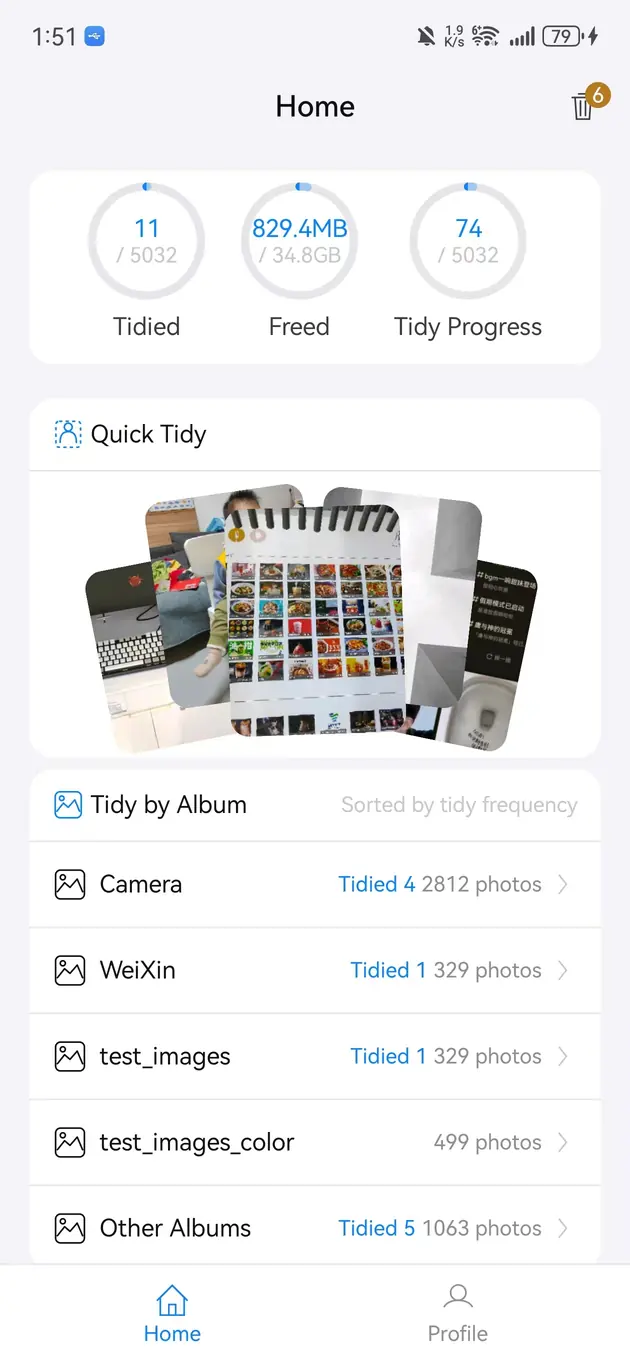
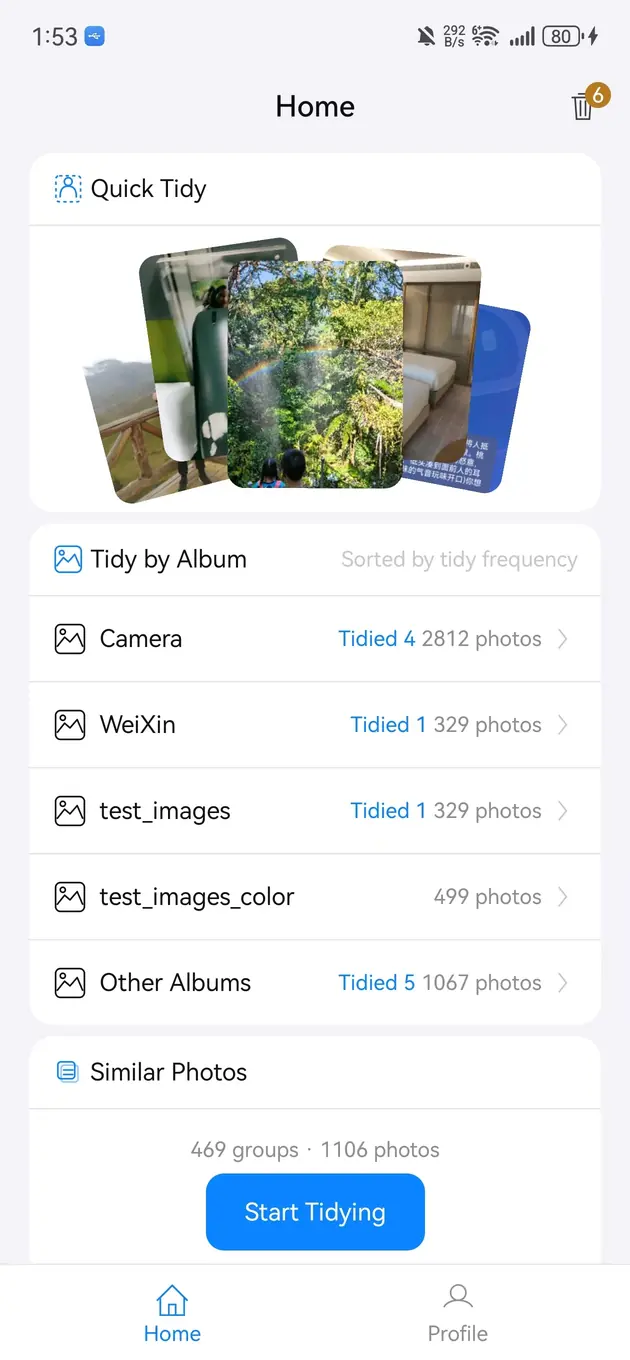
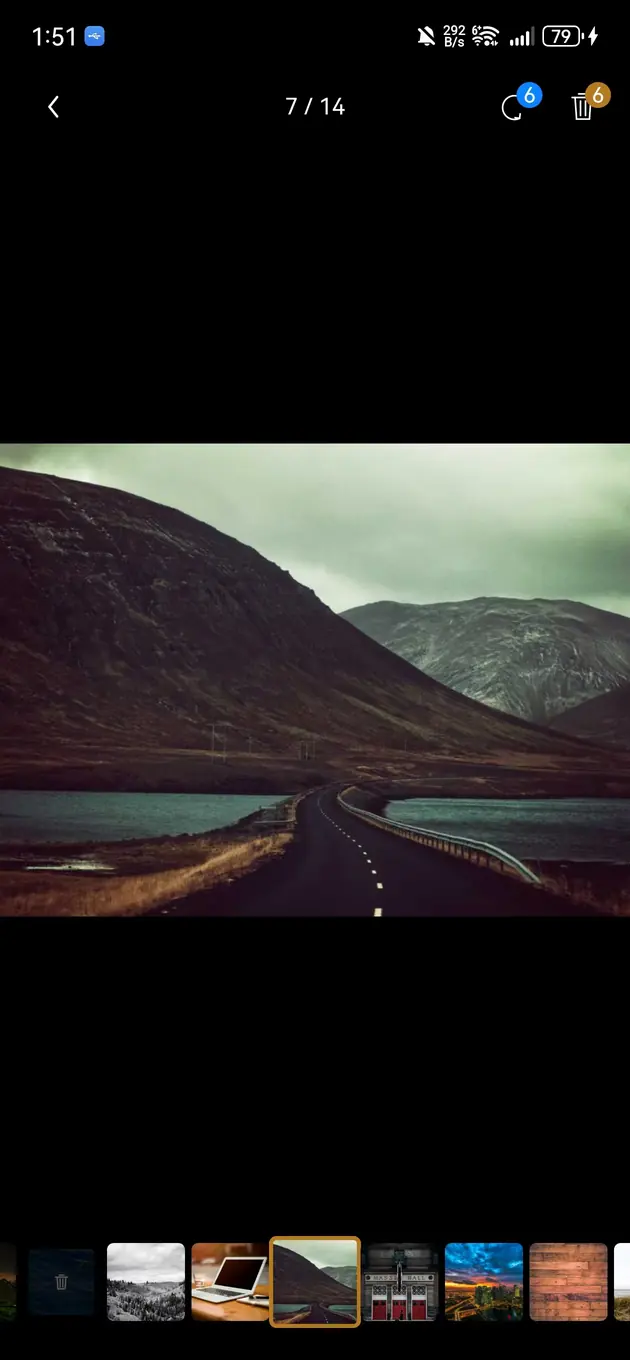
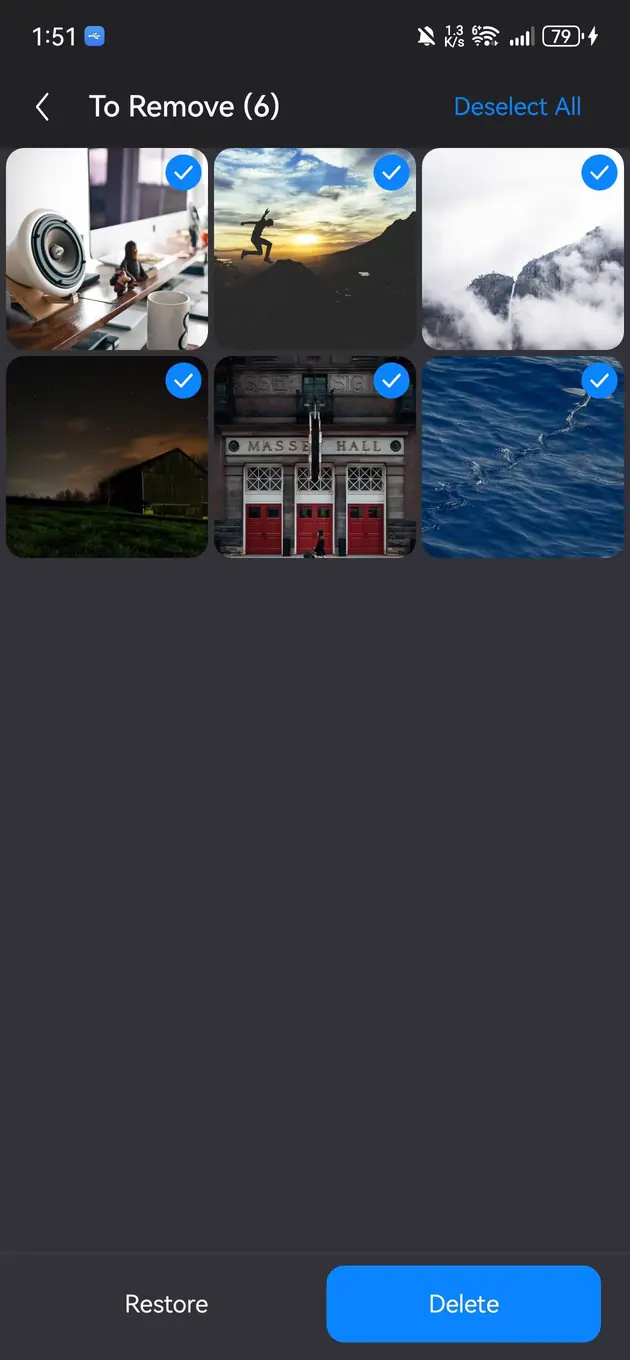
Rediscover, Group, and Review Before Deleting
Bole Photo Tidy combines practical cleanup with smaller ways to rediscover and organize a large gallery.
Choose a focused way into the gallery
Start with screenshots, similar shots, an album, a dominant-color group, or On This Day media from previous years.
Rediscover and compare before removing
Keep photos with unique details or personal meaning; similarity, color, and age only narrow the review scope.
Confirm cleanup and recover space
Delete only after review, then use the system Recently Deleted or trash flow when supported.
Best Fit and Limits
Best for review-first cleanup
Use it when you want to compare similar photos before deleting, especially screenshots, bursts, and duplicate saves.
Not a backup replacement
Recently Deleted is only a recovery window. Back up important photos before large cleanup sessions.
Local preview focus
The cleanup workflow is built around local preview and confirmation rather than uploading your gallery for processing.
Color groups are not duplicate judgments
Photos with a similar overall color may show unrelated scenes and still require individual review.
On This Day depends on dates and platform access
Results require valid media dates and a platform that exposes the relevant authorized library information.
Photo organization and duplicate photo cleanup
Bole Photo Tidy is for users who want to reduce a crowded gallery, browse photos by overall color, and revisit past years without uploading personal photos or blindly deleting memories.
Duplicate photo cleaner
Group duplicate and near-duplicate images so you can preview and compare them before removal.
Similar photo review
Review bursts, screenshots, repeated saves, and similar shots in a more focused flow.
Photos by color
Group photos by overall dominant color, choose a color family, and review a smaller visual set without treating color as duplicate detection.
On This Day photos
On supported platforms, revisit photos and videos captured on the same month and day in previous years, then keep or tidy them deliberately.
Phone storage cleanup
Remove unwanted photos to recover storage while keeping confirmation and recovery expectations in your hands.
Product information
When Bole Photo Tidy is the right fit
Use it when your gallery has many bursts, screenshots, repeated saves, similar shots, or photos that are easier to review by color.
Use it when you want to revisit previous years on the same date and turn a large cleanup into smaller daily review sessions.
Use it when you want to preview and compare photos before deleting instead of relying on one-tap cleanup.
Use built-in photo tools first if their duplicate and memory features already meet your needs.
Back up important photos before large cleanup sessions.
Bole Photo Tidy vs built-in photo tools vs storage cleaners
Bole Photo Tidy
Best for: Reviewing similar photos, browsing color groups, and revisiting On This Day media before cleanup
Strength: Photo-focused grouping by similarity or overall color, same-date memories on supported platforms, local preview, and deliberate confirmation
Limit: Not a full phone cleaner
Built-in photo tools
Best for: Native duplicate suggestions, memories, and basic gallery management
Strength: Already integrated with the system photo library; capabilities vary by platform and version
Limit: May not combine similar-photo review, color groups, and confirmation-first cleanup in one flow
Generic storage cleaners
Best for: Storage summaries across many file types
Strength: Can show broad storage categories
Limit: Less tailored to photo comparison and album context
Bole Photo Tidy FAQ
No original photo or video content is uploaded for similar-photo analysis. The app processes thumbnail features on device and reads only the library scope authorized through system APIs.
No. Similar groups are candidates for review. You inspect each item, mark unwanted photos, and confirm the final list before deletion.
Yes. Photos by Color groups images by overall dominant color so you can choose a color family and review a smaller set. Similar color does not mean duplicate content.
On supported platforms, it shows authorized photos and videos from the same month and day in previous years while excluding the current year. Missing dates or limited access can reduce the results.
No. System trash or Recently Deleted is only a recovery window. Back up irreplaceable family, travel, identity, and work photos before a large cleanup.
Ready to Get Started?
Download our products for free and experience a more efficient digital life.