Music Video Assistant
Trim, merge, and adjust audio and video on device, extract audio, and convert audio formats. Inputs and outputs are audio or video.
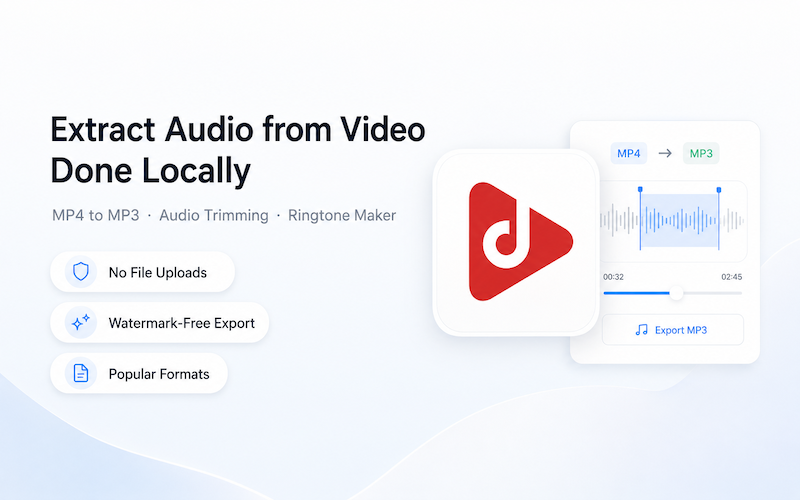
Common audio and video jobs in one app
AV Helper organizes 9 audio tools and 13 video tools by media input and processes user-selected files on device.
9 audio tools
Trim, merge, split, convert, mix, volume, speed, rename, and info.
13 video tools
Extract audio, add audio, trim, mute, volume, speed, resize, watermark removal, merge, rotate, flip, rename, and info.
Strict media boundary
Audio/video input only and audio/video output only; no GIF or image tools.
Three platforms
22 shared tools on Android, iOS, and HarmonyOS; Android also provides Set Ringtone.
AV Helper at a glance
When AV Helper is a good fit
Use it for common on-device audio and video jobs.
Use it to extract or add audio, or adjust volume, speed, and video size.
Batch processing is available as a VIP entitlement.
Choose a specialist tool for GIFs, images, or professional multitrack timelines.
AV Helper vs single-purpose tools
AV Helper
Best for: Common on-device audio and video jobs
Strength: 22 shared tools across three platforms, 23 on Android
Limit: No GIF/image tools and no professional multitrack timeline
Single-purpose apps
Best for: One occasional task
Strength: Simple entry point
Limit: Multiple apps are needed for mixed tasks
Desktop editors
Best for: Complex multitrack projects
Strength: More complete controls
Limit: Higher learning and operating cost
AV Helper FAQ
The first release targets Android, iOS, and HarmonyOS. All three share 22 tools, and Android also supports Set Ringtone.
No. AV Helper accepts only audio or video and outputs only audio or video.
Yes. Batch processing is a VIP entitlement.
Audio and video edits run on device. A file is uploaded only if you actively attach it to feedback.
Ready to Get Started?
Download our products for free and experience a more efficient digital life.