Step 1: protect photos that cannot be replaced
Back up IDs, receipts, family memories, trip originals, and work material before cleanup. System trash or Recently Deleted is a temporary recovery window, not a backup.
A safer sequence is to back up irreplaceable images, review screenshots, bursts, repeated saves, and similar scenes in separate batches, compare quality and unique information, then confirm the final deletion list.
Updated 2026-07-24
Back up IDs, receipts, family memories, trip originals, and work material before cleanup. System trash or Recently Deleted is a temporary recovery window, not a backup.
Start with expired screenshots, obvious repeated saves, and failed bursts. Review visually similar photos only after the easy categories are complete.
Check focus, expressions, framing, and unique information. If one photo contains a detail that cannot be replaced, keep it even when another candidate looks similar.
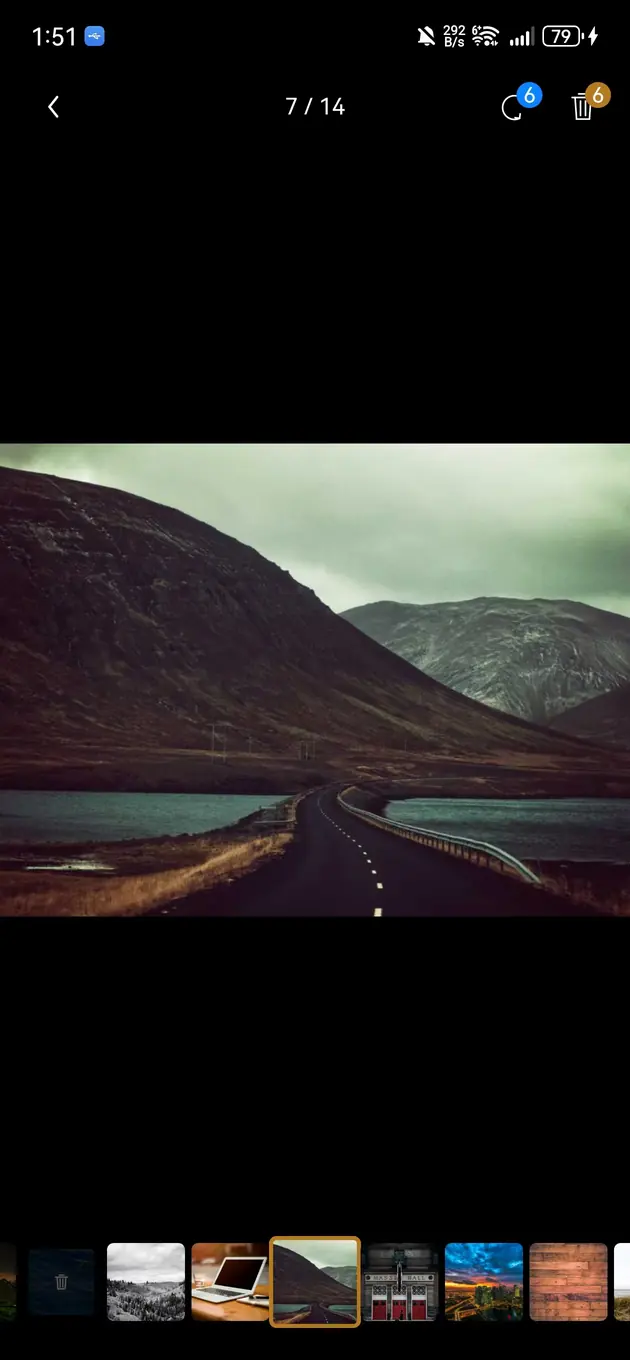
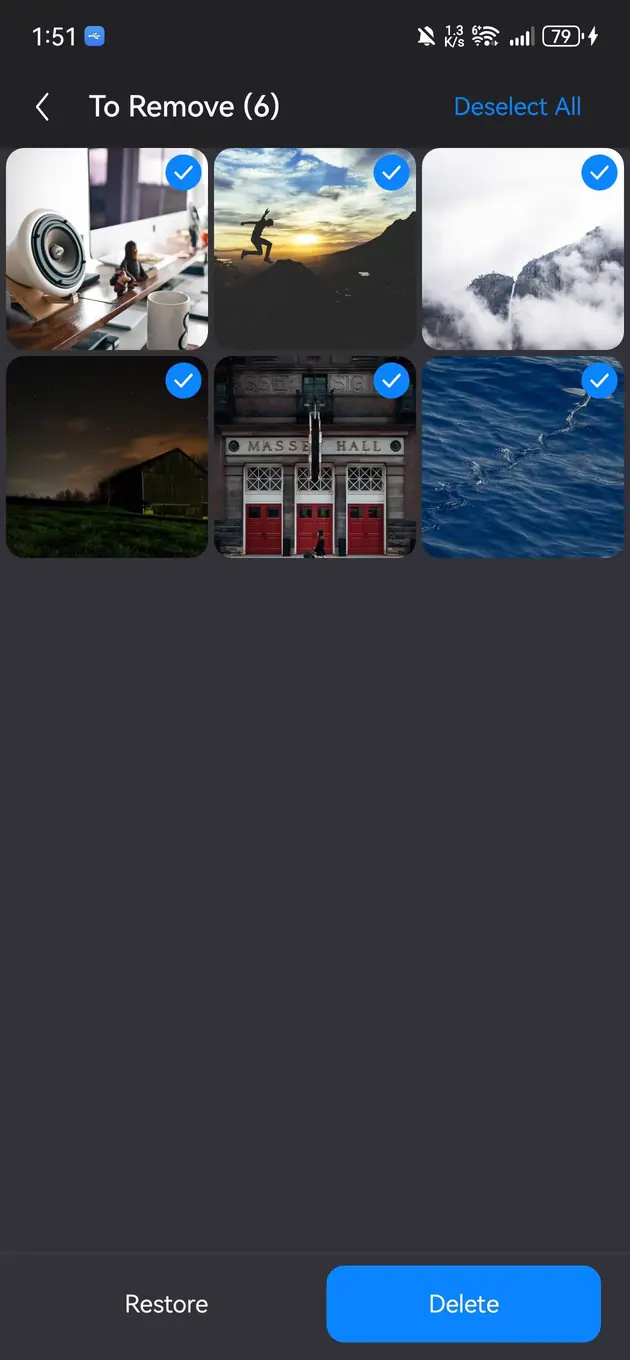
A swipe should mark a photo for cleanup rather than make an irreversible decision. Use the final confirmation screen to inspect thumbnails and the total count.
Check the retained album and the system recovery area after deletion. If something is wrong, recover it within the platform's supported window before emptying trash.
The goal is to remove unwanted clutter while preserving unique information and memories.
Small batches make mistakes easier to detect and recover.
Not always. Similar photos may show the same scene but still differ in quality, framing, or meaning.
No. Review-first cleanup is safer for personal photo libraries.
Review similar photos and tidy your albums. Preview locally, mark unwanted photos, then confirm removal.
View Bole Photo Tidy