GIF Toolbox
Make, edit, and compress GIFs; convert Live Photos and videos, create GIF collages, set loop counts, and remove backgrounds.
GIF Toolbox · HSHS Tech (Hushan Hushan (Shenzhen) Technology Co., Ltd.)
For Android, choose the official APK or the Tencent MyApp listing in the download menu. For iOS, the App Store opens in English without forcing a country; availability follows your Apple account’s store region.
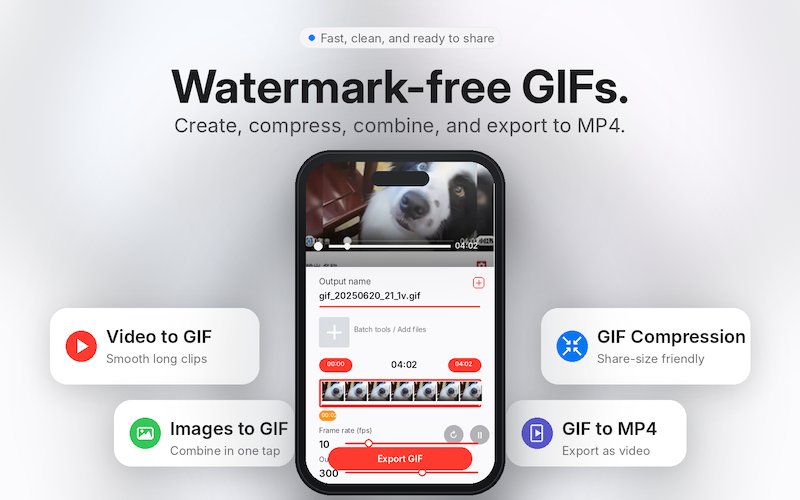
Core features
Video, MP4, and images to GIF
Use Video to GIF for a video clip and Images to GIF for photos or image sequences. Follow PNG to GIF when the source images already contain transparent areas.
GIF collage or sequential merge
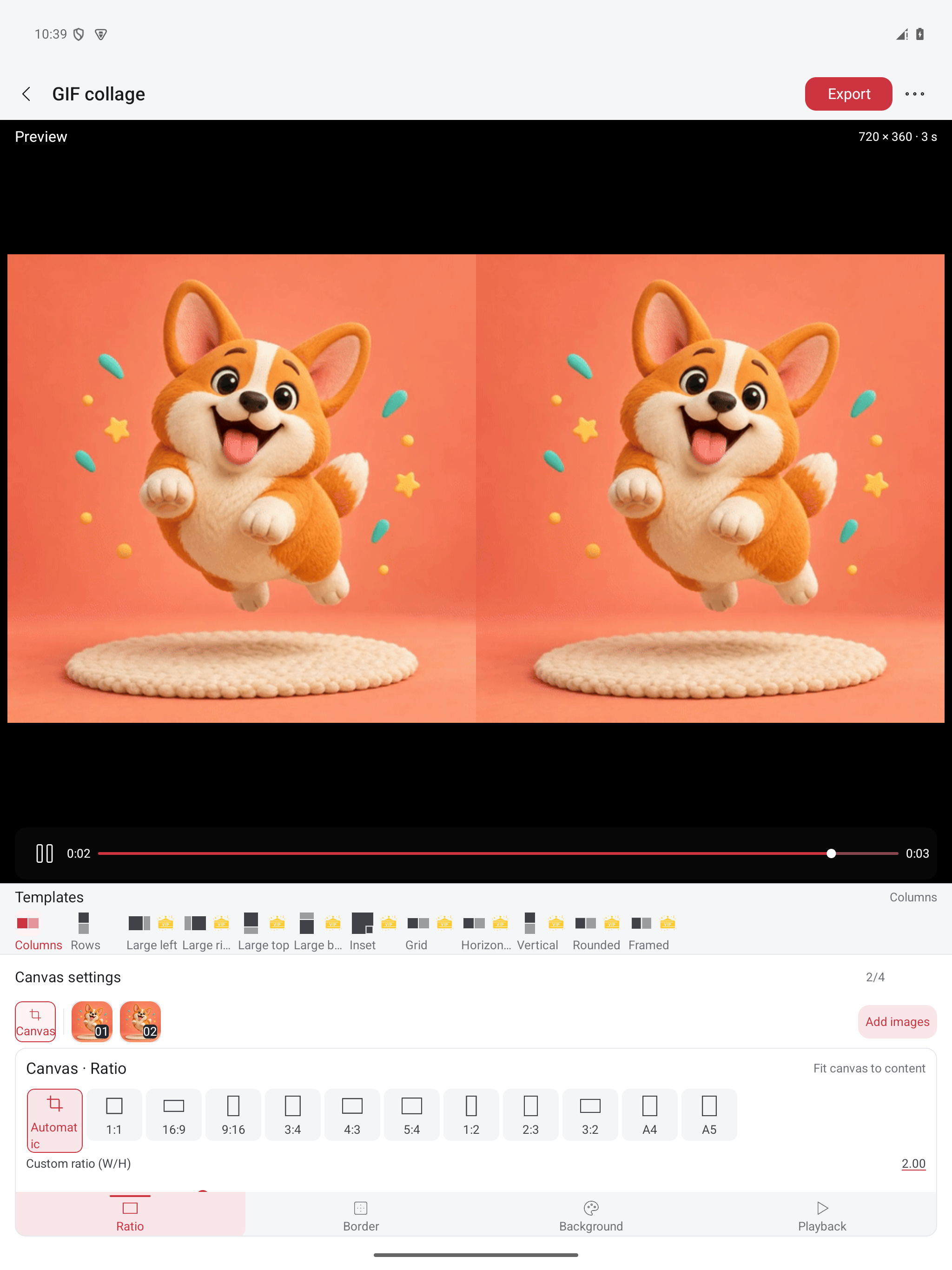
Use Same-frame playback for side-by-side or stacked animation. Use Stitch sequence to play GIFs one after another. Choose simultaneous or sequential playback before starting.
File compression or pixel resizing
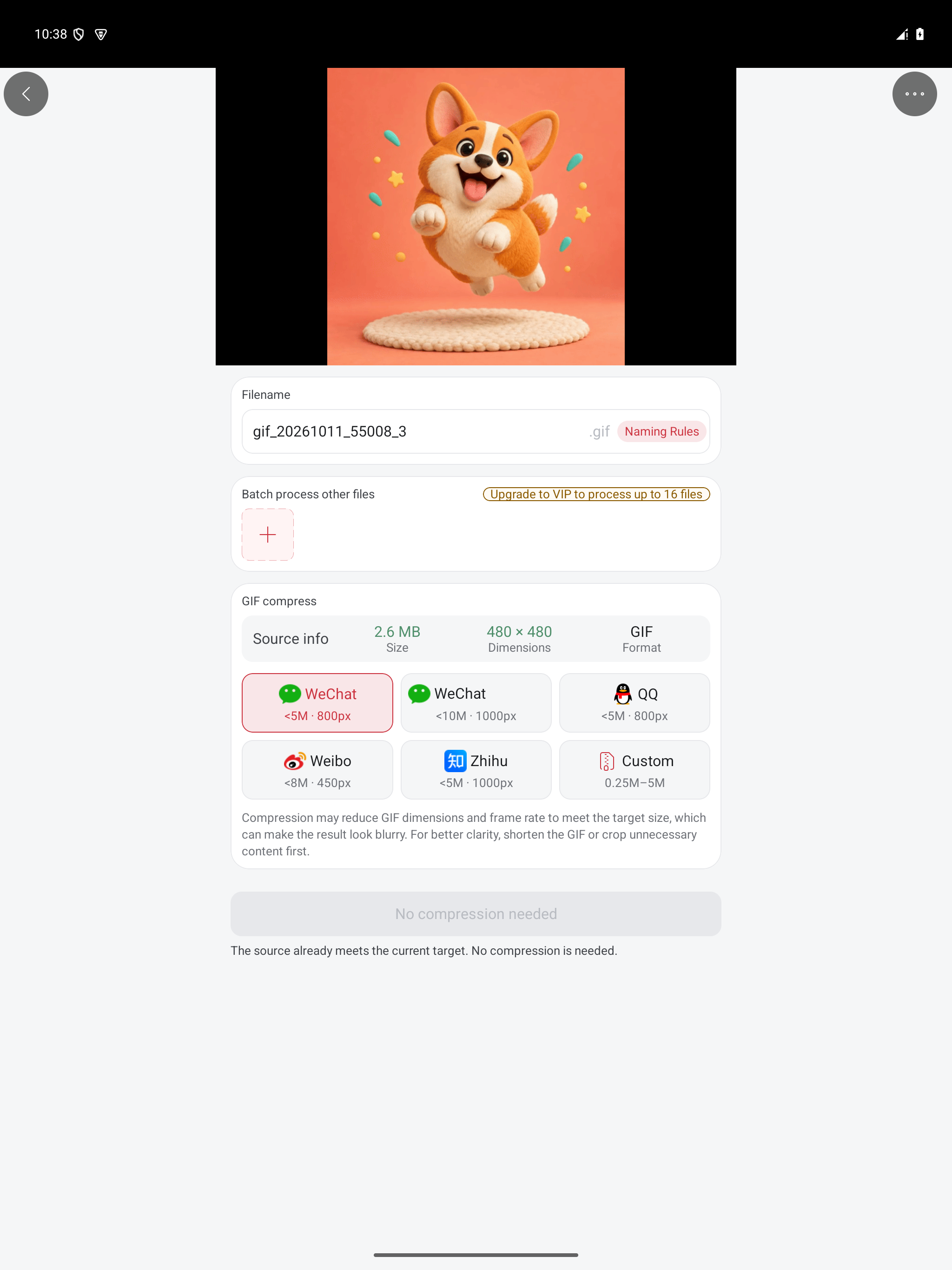
GIF compression addresses file size in KB or MB; resizing addresses width and height in pixels. Check each requirement against the actual export.
Add captions or extract GIF frames
Add text to an existing animation, or extract images and use them in a new Images to GIF project. Check text placement and timing throughout the animation.
Live Photo conversion and loop settings
Convert between supported Live Photos, GIFs, and video. GIF loop settings control playback; GIF-to-MP4 repeats add repeated animation to video duration.
Inside GIF Toolbox on Android
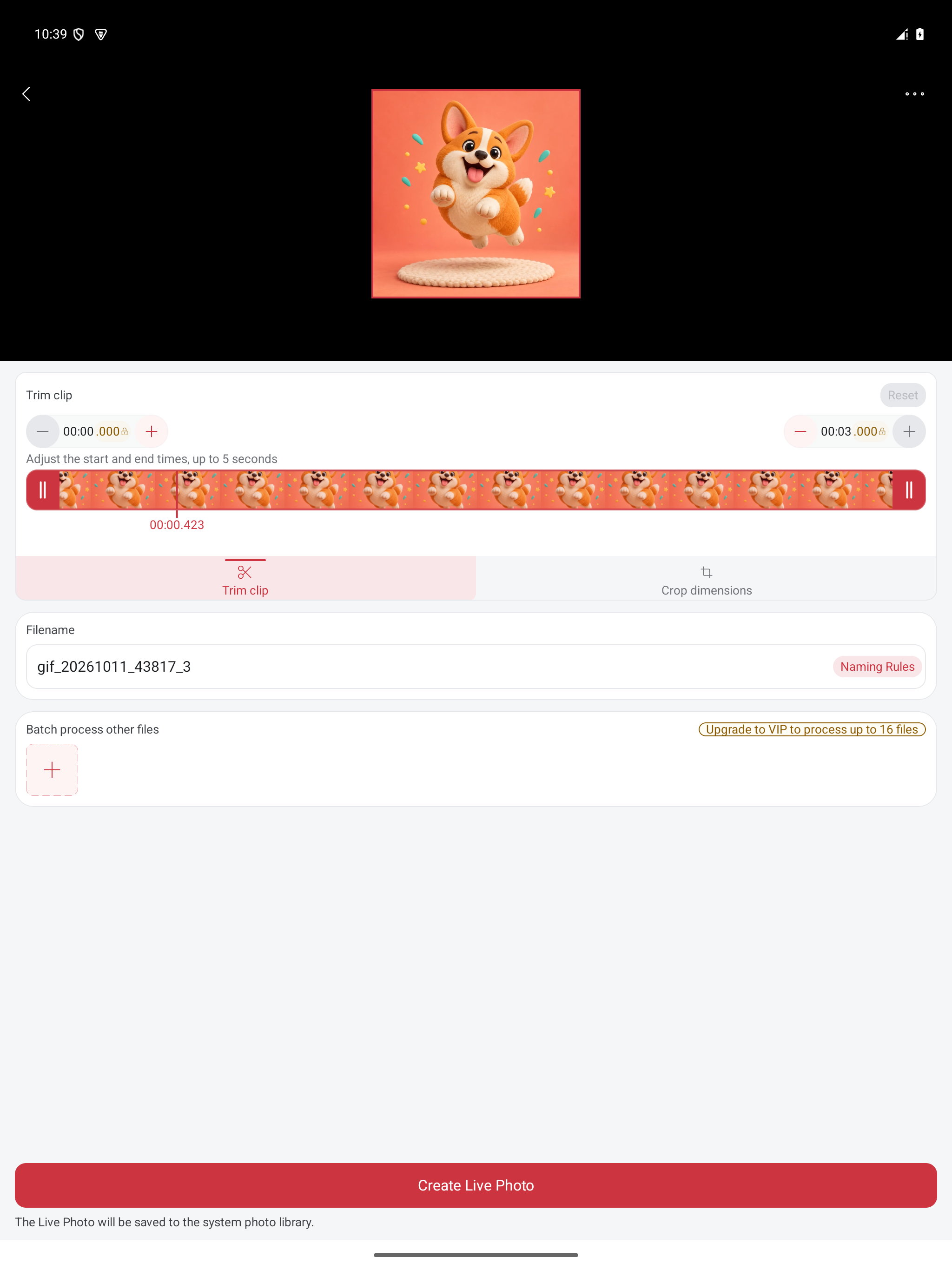
Real English Android tablet screens. These show editing and preview states; exported files and the interface on other platforms may differ.
Make, Tune, and Export GIFs on Your Phone
Start with phone media and choose conversion, collage, loop, or cutout tools. Cloud features show upload and Credit information.
Choose a local source
Start from a phone video, a set of images, or an existing GIF stored on your mobile device.
Trim and tune the animation
Crop the frame, adjust speed or size, add text, extract frames, or compress the file before exporting.
Export for the sharing target
Save a no-forced-watermark GIF, reduce file size for chat apps, or convert GIF to MP4 when a platform prefers video.
Processing and limits
Local edits and cloud cutouts
Standard creation, editing, compression, and conversion run locally. Background removal uploads media for cloud processing; final processing uses Credits.
Membership and output quality
Some features or advanced settings require membership. Conversion cannot add missing detail; cutout quality depends on background, edges, and motion.
Playback compatibility
Some apps ignore GIF loop information, and cross-device Live Photo recognition depends on format support. Only process media you own or have permission to use.
GIF editor tools: choose your task
Start with a task guide to create an animation, play GIFs together or in sequence, or continue with compression, resizing, captions, and frame extraction. Standard edits run locally; cloud background removal has separate upload and Credit prompts.
Video, MP4, and images to GIF
Use Video to GIF for a video clip and Images to GIF for photos or image sequences. Follow PNG to GIF when the source images already contain transparent areas.
GIF collage or sequential merge
Use Same-frame playback for side-by-side or stacked animation. Use Stitch sequence to play GIFs one after another. Choose simultaneous or sequential playback before starting.
File compression or pixel resizing
GIF compression addresses file size in KB or MB; resizing addresses width and height in pixels. Check each requirement against the actual export.
Add captions or extract GIF frames
Add text to an existing animation, or extract images and use them in a new Images to GIF project. Check text placement and timing throughout the animation.
Live Photo conversion and loop settings
Convert between supported Live Photos, GIFs, and video. GIF loop settings control playback; GIF-to-MP4 repeats add repeated animation to video duration.
Transparent PNG assembly or background removal
Assemble existing transparent PNGs locally. Use cloud Background removal to separate a subject from its original background, after checking the preview and Credit quote.
GIF Toolbox at a glance
When to use GIF Toolbox
Use local editing when your media is already on your phone and you need GIF creation, compression, or edits.
Choose the matching tool for Live Photo conversion, GIF collages, or playback counts in one app.
For background removal, review the cloud preview and Credit quote before deciding on final processing.
Use a desktop editor or FFmpeg for complex timelines or large automated workflows.
Choose a workflow for the task
GIF Toolbox
Best for: GIF, video, and motion-photo tasks on your phone
Strength: Local creation, compression, conversion, and collages; optional cloud cutouts
Limit: Cutouts require internet and Credits; some advanced features require membership
Online GIF tools
Best for: One-off small browser tasks
Strength: No app install
Limit: Upload, file-size, pricing, and watermark rules vary by service
Desktop editors
Best for: Large projects and professional timelines
Strength: Advanced controls
Limit: More setup for quick mobile GIF jobs
Common questions
Select a video clip or images, adjust size, speed, and quality, then preview and export. GIF Toolbox does not force a watermark onto exports; some features or advanced settings require membership.
Yes. Android, iOS, and HarmonyOS support Live Photo to GIF/video and GIF/video to Live Photo. Recognition by another gallery or device depends on its format support.
Use the collage tool to place GIFs or images in one frame, adjust layout and duration, and export a GIF. Sequence stitching is for playing sources one after another.
Choose once, a finite total play count, or infinite looping. Some players ignore GIF loop information. For repeated animation embedded in a video, set the repeat count when exporting GIF to MP4.
It requires an internet connection and uploads media or a preview image. Effect previews are free; final cloud processing uses Credits after quote confirmation. Standard GIF editing and conversion run locally.
Yes. Adjust dimensions, frame rate, and quality to balance size, detail, and smoothness.
Download GIF Toolbox
Make, edit, and compress GIFs; convert Live Photos and videos, create GIF collages, set loop counts, and remove backgrounds.