SmartDock
Save, edit, and switch macOS Dock profiles for different contexts, then restore session-owned Dock and icon changes during a normal quit.
macOS 13.0+Signed · Apple notarized
Download details
View SHA-256 checksum
bc8683f1e8f90b57bfd8c7aa2876bf2ccf10d194434d7a93d9f35650d2b3ac45
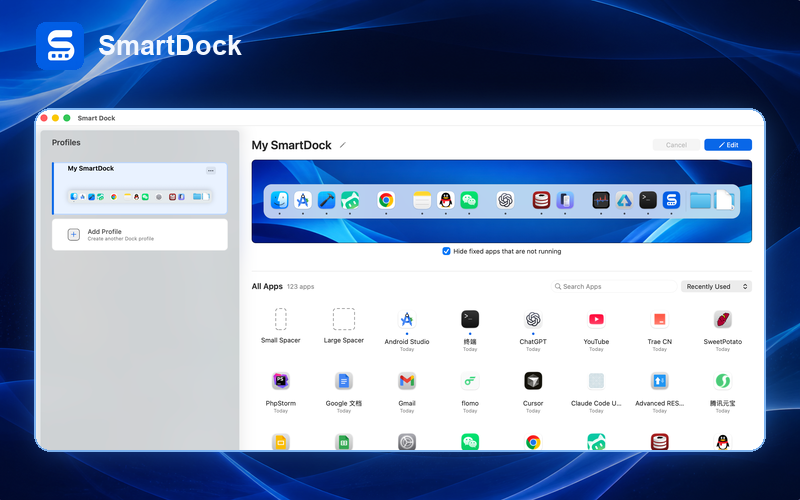
Designed around real Dock sessions
Save and switch profiles
Keep separate Dock layouts for work, personal, or creative contexts and apply the selected profile automatically.
Draft before applying
Edit an isolated draft first; the real Dock changes only after the save succeeds.
Customize app icons
Subscribers can apply individual or batch icon styles to pinned applications.
Ownership-aware quit restore
A normal quit restores only changes owned by the SmartDock session and preserves later external changes.
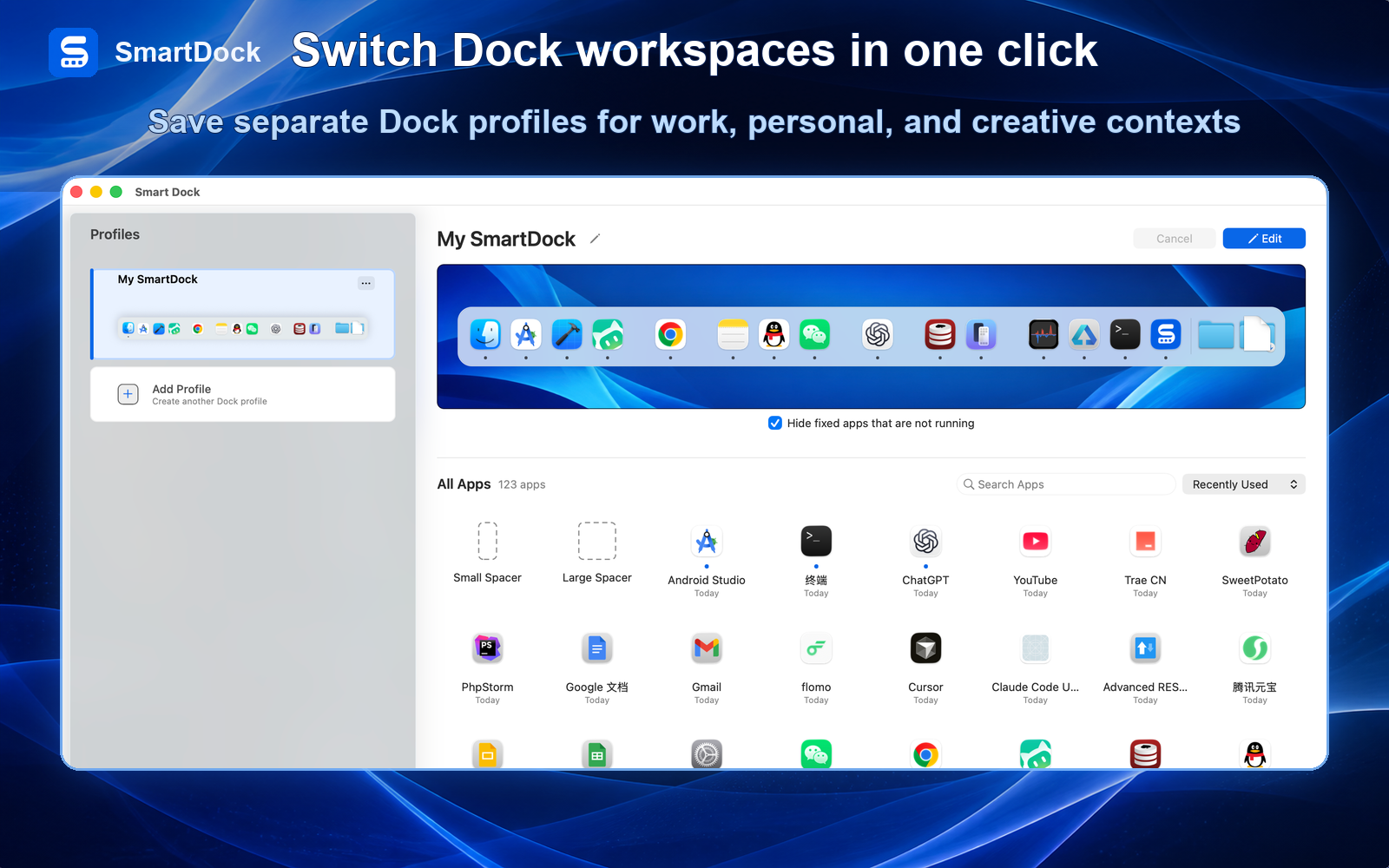
Campaign Visual: Switch Dock Workspaces in One Click
This campaign visual uses the real SmartDock interface to show how separate Dock layouts stay ready for work, personal, and creative contexts.
From Dock Cleanup to Clearer App Access
SmartDock organizes shortcut cleanup and common macOS Dock appearance settings into one focused workflow.
Identify genuinely frequent apps
Keep the apps you open every day and remove low-frequency shortcuts from the Dock.
Adjust position and visibility
Set Dock position, size, magnification, and auto-hide for the available screen space and your habits.
Review shortcuts as work changes
Revisit the Dock when your app set changes so it stays a quick launcher instead of becoming an app warehouse.
When SmartDock Is Useful
Start with built-in settings
If you only need size, position, magnification, or auto-hide, try the built-in macOS Dock settings first.
Focused on the Dock
SmartDock does not replace Finder, a window manager, a system cleaner, or a full desktop theme tool.
macOS Dock management and customization
SmartDock targets users who want more organized Dock shortcuts and more repeatable Dock layouts than basic system settings provide.
macOS Dock manager
Organize app shortcuts and keep common tools easier to reach.
Dock customization
Adjust Dock appearance, size, position, and related behavior from one focused utility.
Common Dock settings
Bring size, position, magnification, auto-hide, and shortcut organization into a more focused workflow.
SmartDock at a glance
When SmartDock is the right fit
Use SmartDock when the Dock is crowded and you want a more deliberate app shortcut layout.
Use it when you want shortcut organization and common Dock settings in a more focused workflow.
Use built-in macOS settings for simple size, position, magnification, and auto-hide changes.
Use broader Mac customization tools only when you need system-wide theming beyond the Dock.
SmartDock vs built-in Dock settings vs broad customization tools
SmartDock
Best for: Organizing Dock shortcuts and common settings
Strength: Focused control over Dock entries, appearance, and behavior
Limit: Not a full macOS theme engine
Built-in Dock settings
Best for: Basic Dock size, position, magnification, and auto-hide
Strength: Native and always available
Limit: Limited organization and profile workflows
Broad customization tools
Best for: System-wide visual changes
Strength: Can cover more parts of macOS
Limit: Heavier than needed when the main issue is the Dock
SmartDock FAQ
SmartDock is a macOS Dock management and customization utility.
No. It focuses on Dock organization and appearance rather than system cleanup.
It is intended to complement basic system settings with a more focused organization workflow.
Remove low-frequency shortcuts, keep the apps you use every day, then adjust size, position, and auto-hide behavior.
Turn the Dock into a clear, switchable workspace
Save a Dock layout for each work context and switch when you need it.