Install on iPhone
Use the download link on this page to open the App Store and install the app. When you first open it, choose which photos it can access.
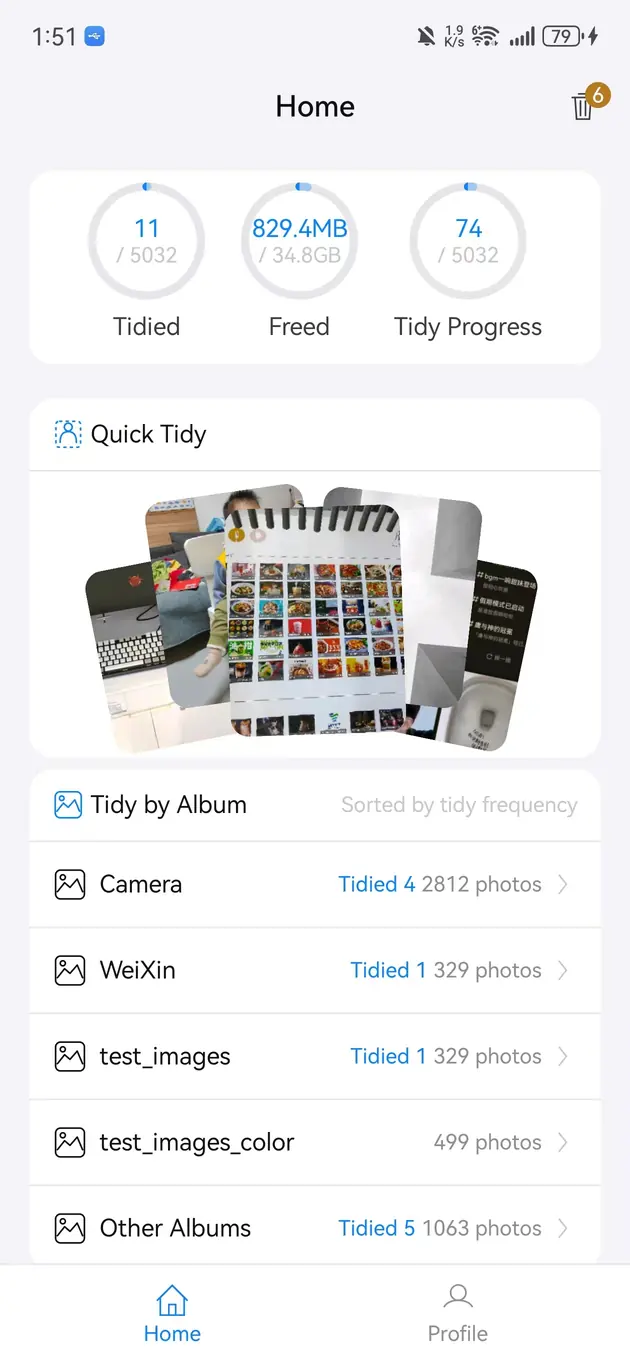
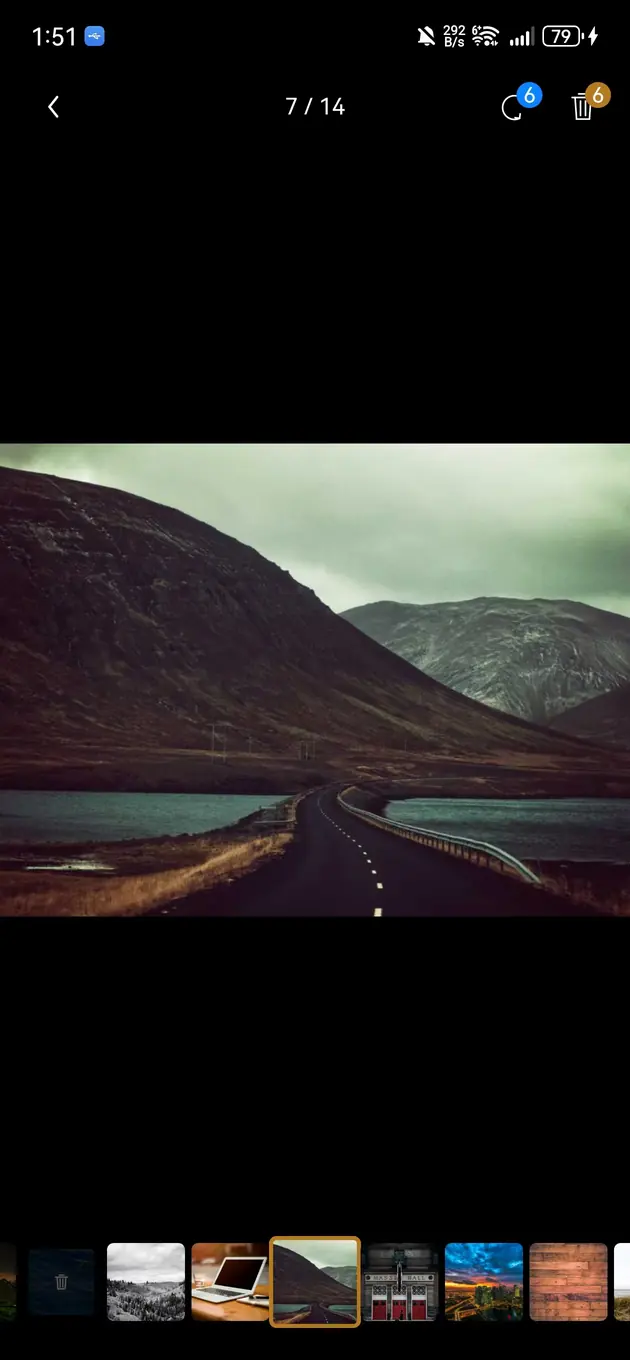
Bole Photo Tidy is live on the iOS App Store. With Photos permission, it provides on-device similar-photo grouping, album-based review, and confirmation before deletion, so you can handle screenshots and bursts before harder comparisons.
Updated 2026-07-25
Use the download link on this page to open the App Store and install the app. When you first open it, choose which photos it can access.
The app can only work with the Photos access granted by iOS. Limited access means a limited cleanup scope, which you can change explicitly in system settings.
Old screenshots, failed bursts, and repeated saves are usually easier to judge. Clear these in small batches before comparing similar photos from important events.
Compare focus, expressions, framing, receipt details, and edited versions. If an image contains unique information, similarity alone is not a reason to remove it.
iOS retention rules control recovery after deletion. Back up irreplaceable photos before cleanup and check Recently Deleted immediately after a large batch.
The app cannot organize items outside the photo permission granted by iOS.
Alternate framing, expressions, and edits may all be worth keeping.
Start with screenshots, bursts, similar shots, and repeated saved images.
No. It is managed as a cross-platform photo organization product for Android, iOS, and HarmonyOS, with the iOS version live on the App Store.
Review similar photos and tidy your albums. Preview locally, mark unwanted photos, then confirm removal.
View Bole Photo Tidy