Separate on-device processing from cloud upload
On-device processing keeps photo content involved in grouping and review on the phone. Cloud processing sends photos or derived data to a remote service, which adds a separate privacy decision.
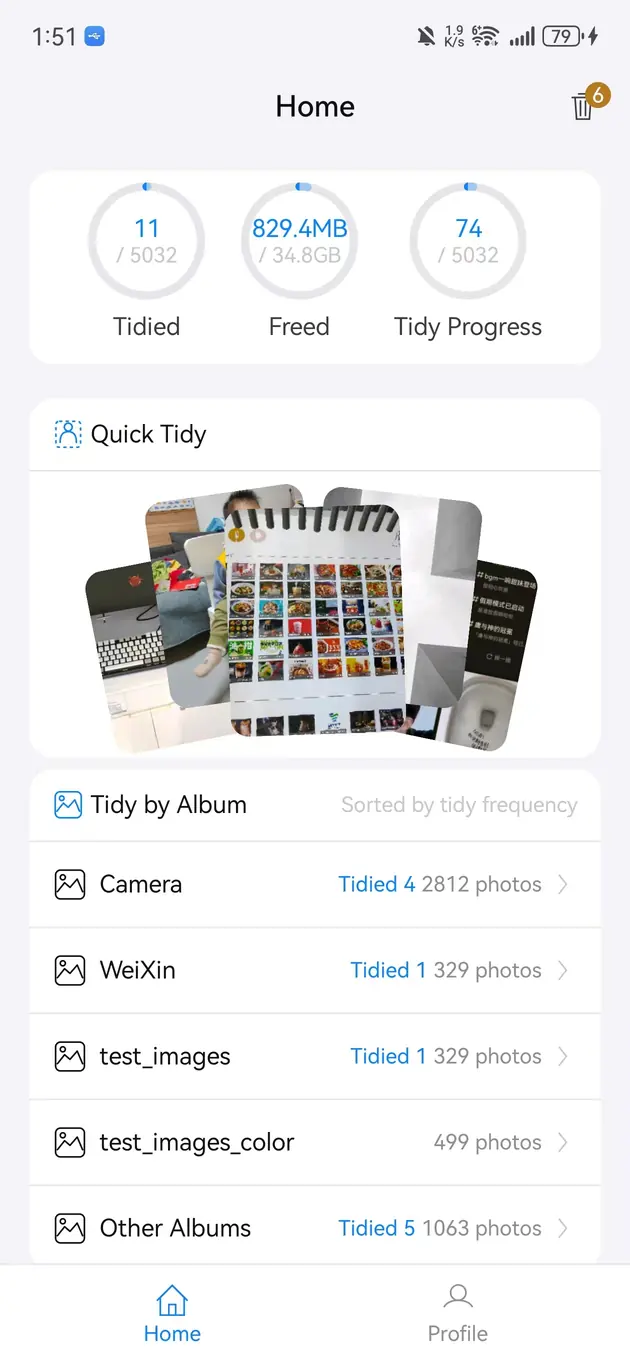
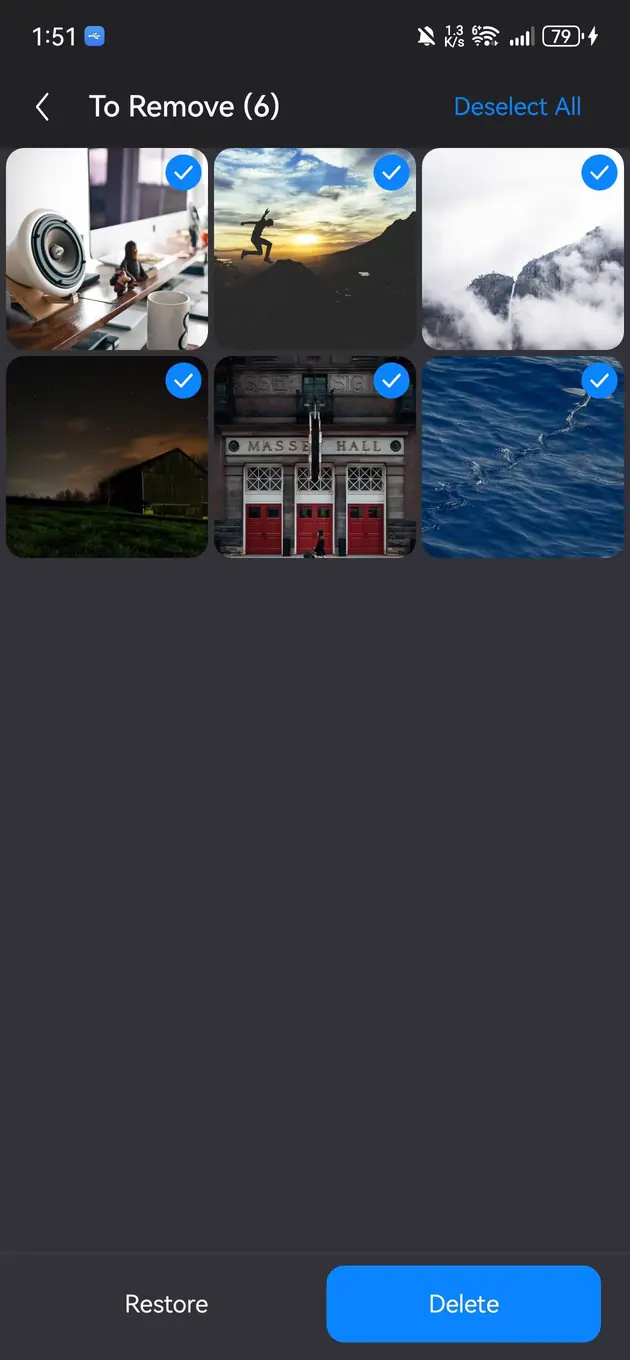
For upload-free cleanup, choose a workflow that reads the authorized library, creates similar-photo candidates, previews each item, and confirms deletion on device. Bole Photo Tidy does not upload original photos or videos for similar-photo analysis.
Updated 2026-07-23
On-device processing keeps photo content involved in grouping and review on the phone. Cloud processing sends photos or derived data to a remote service, which adds a separate privacy decision.
After privacy consent and Photos or media permission, the foreground app reads authorized photos, videos, album information, and operation results through system media-library APIs.
Similar-photo analysis uses thumbnail features on the device and does not upload original photos or videos. Candidate groups help with discovery but do not decide what should be kept.
Privacy and deletion safety are separate concerns. Preview each image, mark only unwanted items, and inspect the final confirmation list before removal.
Read the official privacy policy, permission explanation, and product flow for the processing location, trigger, and data scope. Do not rely only on broad words such as smart, AI, or private.
Photo organization still requires system photo or media access, and users control that scope in device settings.
The Android app uses stability diagnostics, while similar-photo analysis does not upload original photo or video content; see the privacy disclosure for exact data scope.
Yes. Bole Photo Tidy is positioned around local photo-library organization using photos the user has authorized on the device.
No. A safer workflow is to preview, compare, and then confirm what should be deleted.
Screenshots, bursts, repeated saves, similar photos, and temporary images are good first candidates.
Clean duplicate and similar photos, browse color groups, and revisit On This Day media. Preview locally and confirm before deleting.
Download the local photo cleaner