Match the same month and day across previous years
The feature uses the best available media date, matches the current month and day, and excludes the current year. Opening it on August 20, for example, narrows the library to authorized media captured on August 20 in earlier years.
Rediscover first, then decide what deserves to stay
An old photo may preserve a person, location, receipt, family moment, or detail that cannot be replaced. On This Day reduces browsing work but never treats age as a reason to delete media automatically.
Turn a large cleanup into a small daily session
A library with thousands of items can be difficult to review in one pass. A same-date slice creates a natural daily batch that is easier to browse, mark, and verify before moving to another cleanup mode.
Understand empty and unsupported states
No results may mean there is no authorized media from this date, dates are missing, or the platform does not provide the full-library information needed for On This Day.
Keep the same confirmation rules
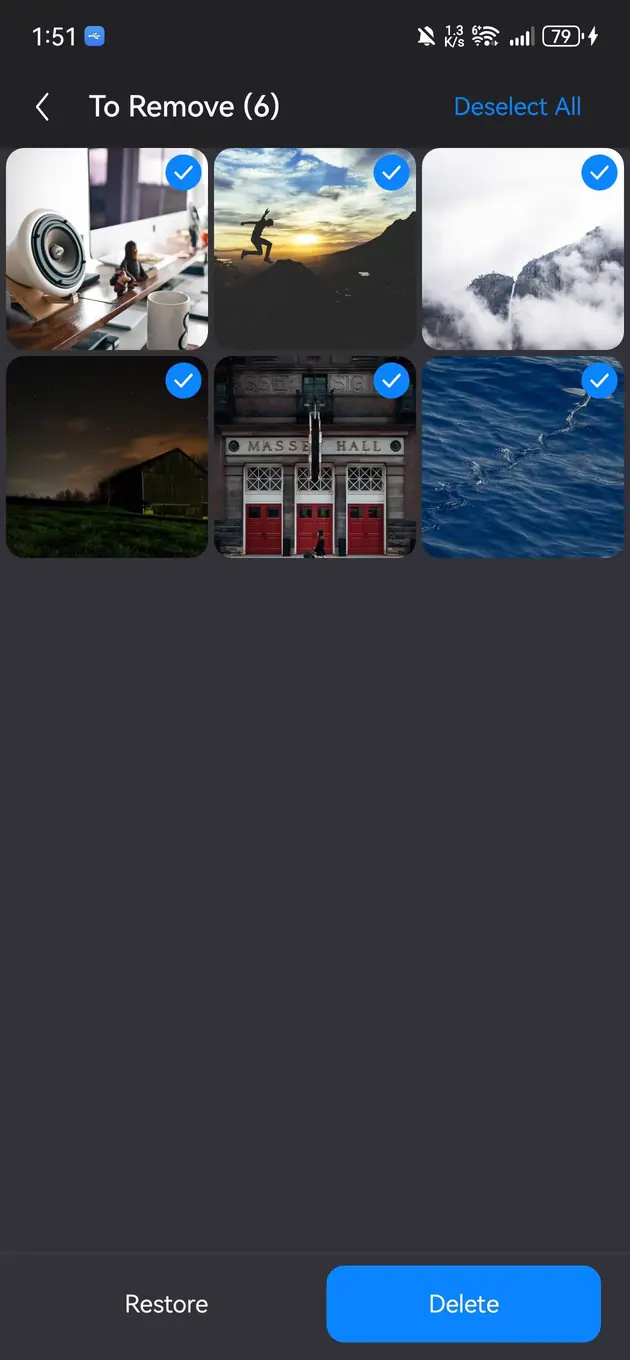
Media entered from On This Day uses the same review workflow as other cleanup modes: browse first, build a pending list, inspect the result, and confirm before deletion. System trash is a recovery window, not a backup.