Install the Android app
Use the download options on this page to choose an Android installation source. When installing an APK, follow the permission prompts on your device.
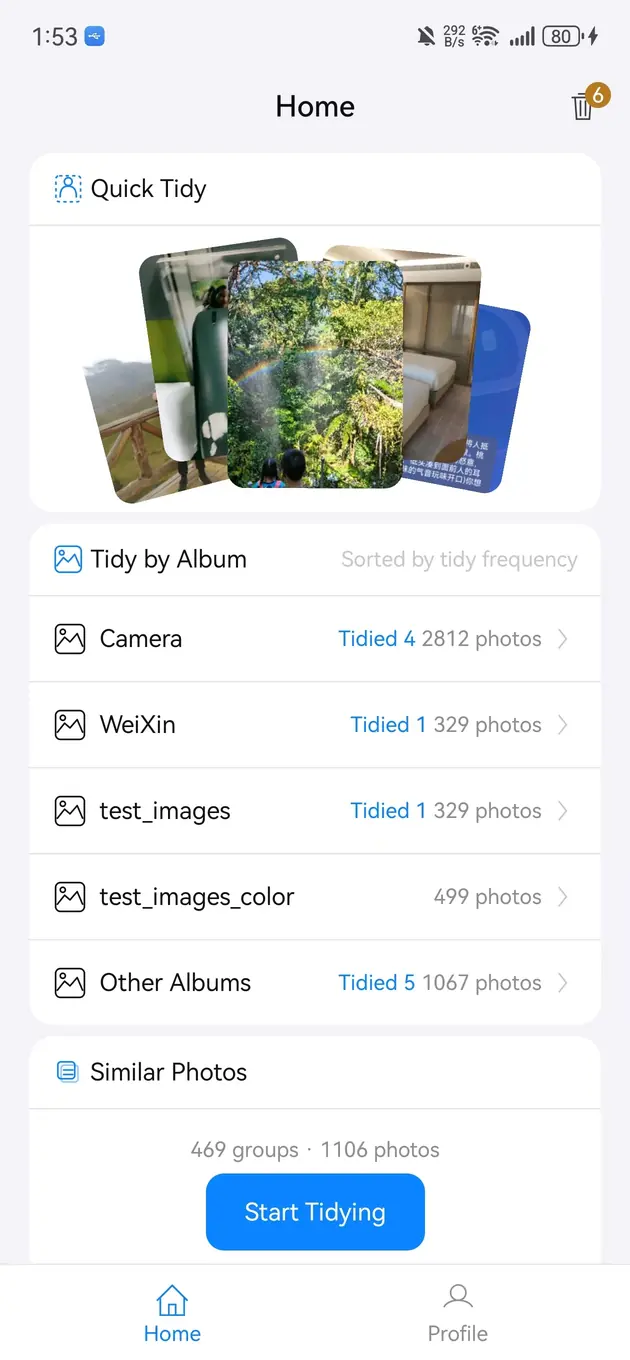
The Android build is available as an official APK. Bole Photo Tidy reads the photo library you authorize on device, groups similar candidates for comparison, and waits for your review and confirmation before deletion.
Updated 2026-07-26
Use the download options on this page to choose an Android installation source. When installing an APK, follow the permission prompts on your device.
Exact copies and visually similar shots are not the same. Bursts, alternate angles, edited versions, and repeated saves can all look related while still containing details worth keeping.
Quick Tidy, album-based review, and Similar Photos provide different starting points. A large library is easier to manage when you first narrow it to one album or one type of clutter.
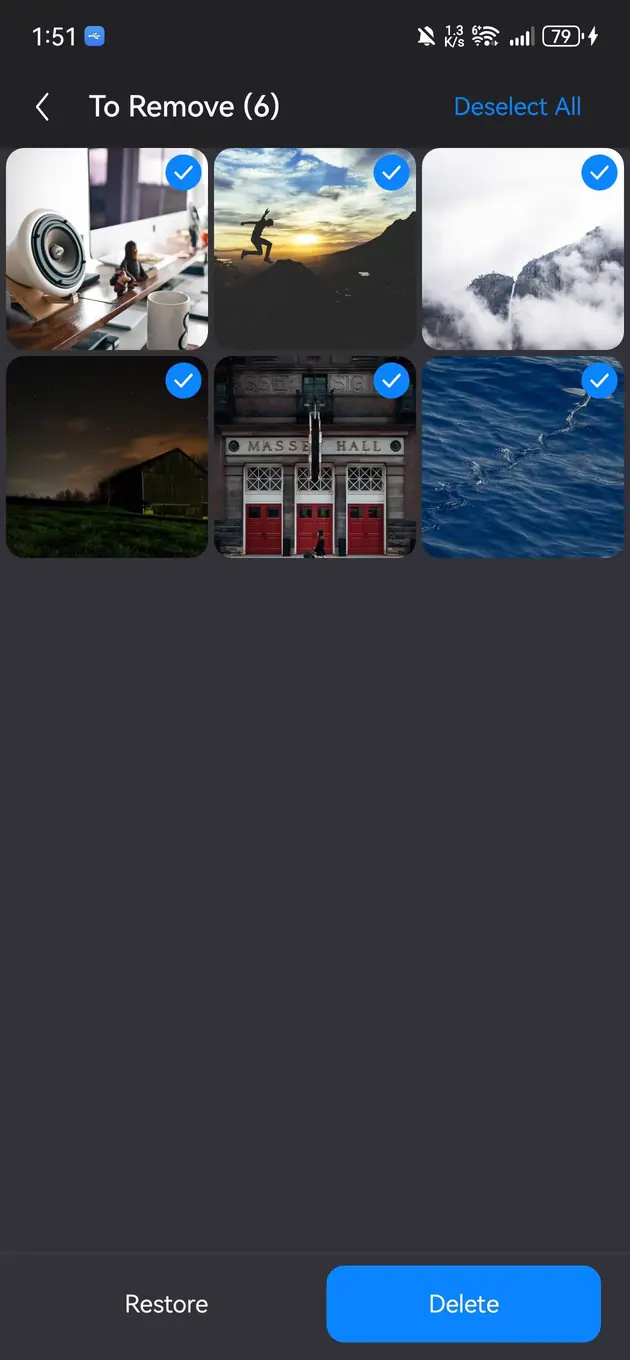
Review each image and add only unwanted photos to the pending cleanup list. The final confirmation screen gives you another chance to inspect the count before removal.
The destination and retention period after deletion depend on the Android version and media-library support. Back up irreplaceable photos before a large cleanup.
The app reduces browsing work, but only you can judge expressions, framing, memories, and business importance.
Bole Photo Tidy focuses on photos and albums, not every cache, installer, or file category on the device.
It is safer to review each group before deleting anything.
It can, depending on how many unwanted photos and screenshots are stored in the gallery.
Review similar photos and tidy your albums. Preview locally, mark unwanted photos, then confirm removal.
Download Bole Photo Tidy Download details