Assign a lasting purpose to each display
Decide where your primary work, reference material, communication, or preview windows normally belong. The goal is not to freeze every pop-up forever; it is to define a layout worth returning to each day. Leave temporary dialogs and short-lived windows out of the mental model.
Keep the physical display arrangement understandable
Use the connection pattern you rely on and verify the display arrangement in macOS. If you swap a cable, monitor, or position, let the new setup become stable first. Recall can match a saved display combination, but it does not configure the operating system's display arrangement for you.
Save the working layout under a descriptive name
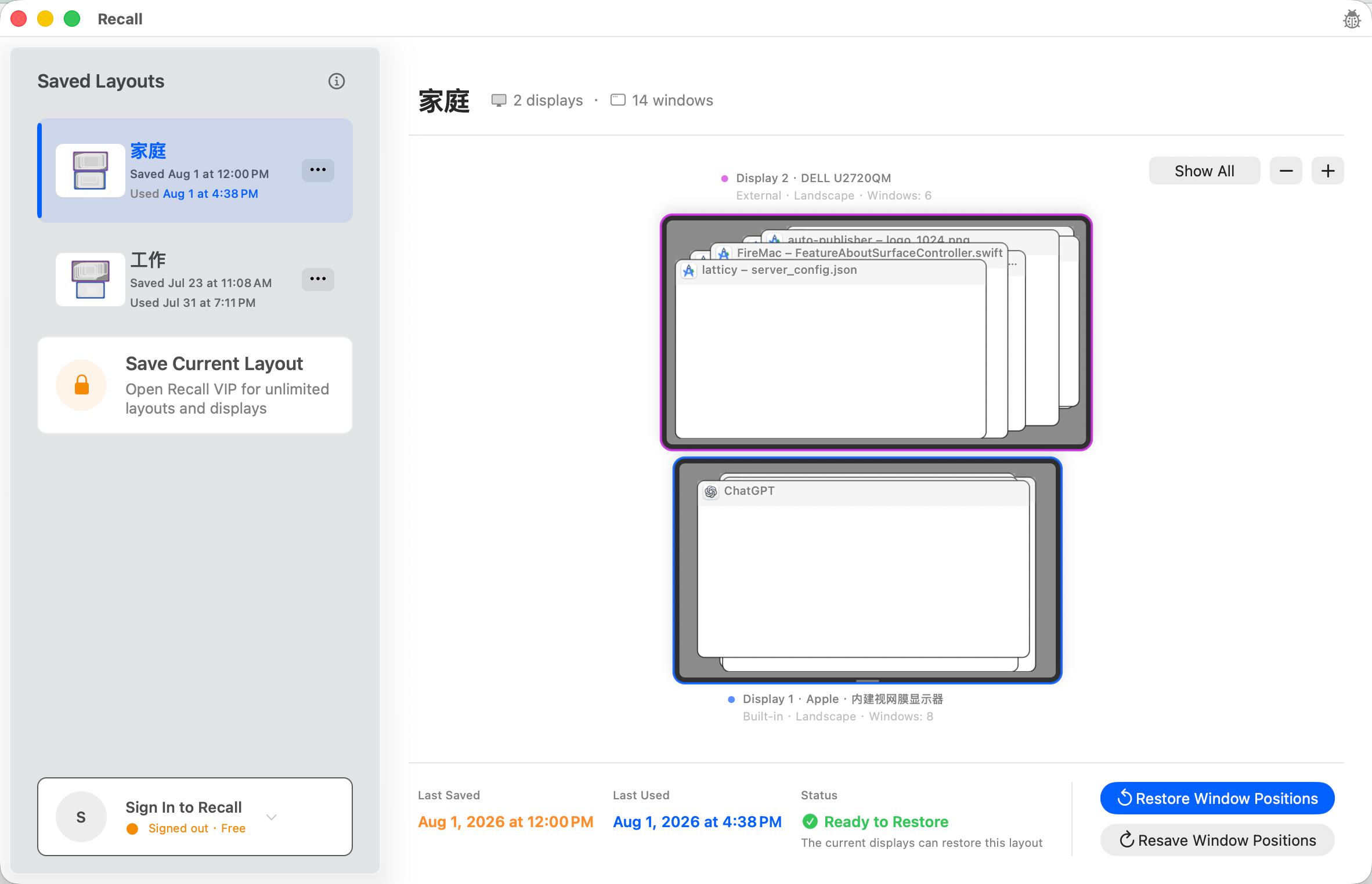
Open and place the windows that matter, then create a name such as Home External Display or Office Dual Monitor. The workspace file remains on the Mac. Free includes full manual use of one workspace, while a subscription allows unlimited workspaces for distinct desks or routines.
Make review part of the reconnect routine
After a monitor returns and macOS recognizes the full setup, inspect Recall's display and window match. Confirm only when the workspace, current apps, and recognized windows align with your expectation. This pause avoids moving windows while a display is still waking or the desktop is incomplete.
Maintain a baseline instead of chasing every variation
Update a workspace when the display combination or window roles change for the long term, not after every temporary disconnect. Recall does not launch missing apps, restore windows it cannot identify, or manage macOS Spaces, so keep those boundaries in the daily workflow.