Decide whether speed or control matters more
Automatic restore reduces interaction at a desk that rarely changes. Confirmation adds one review step but fits a laptop moving among office, home, and meeting setups. The practical question is whether the cost of one incorrect window move is higher than the cost of one confirmation.
Check how the tool handles a changed desktop
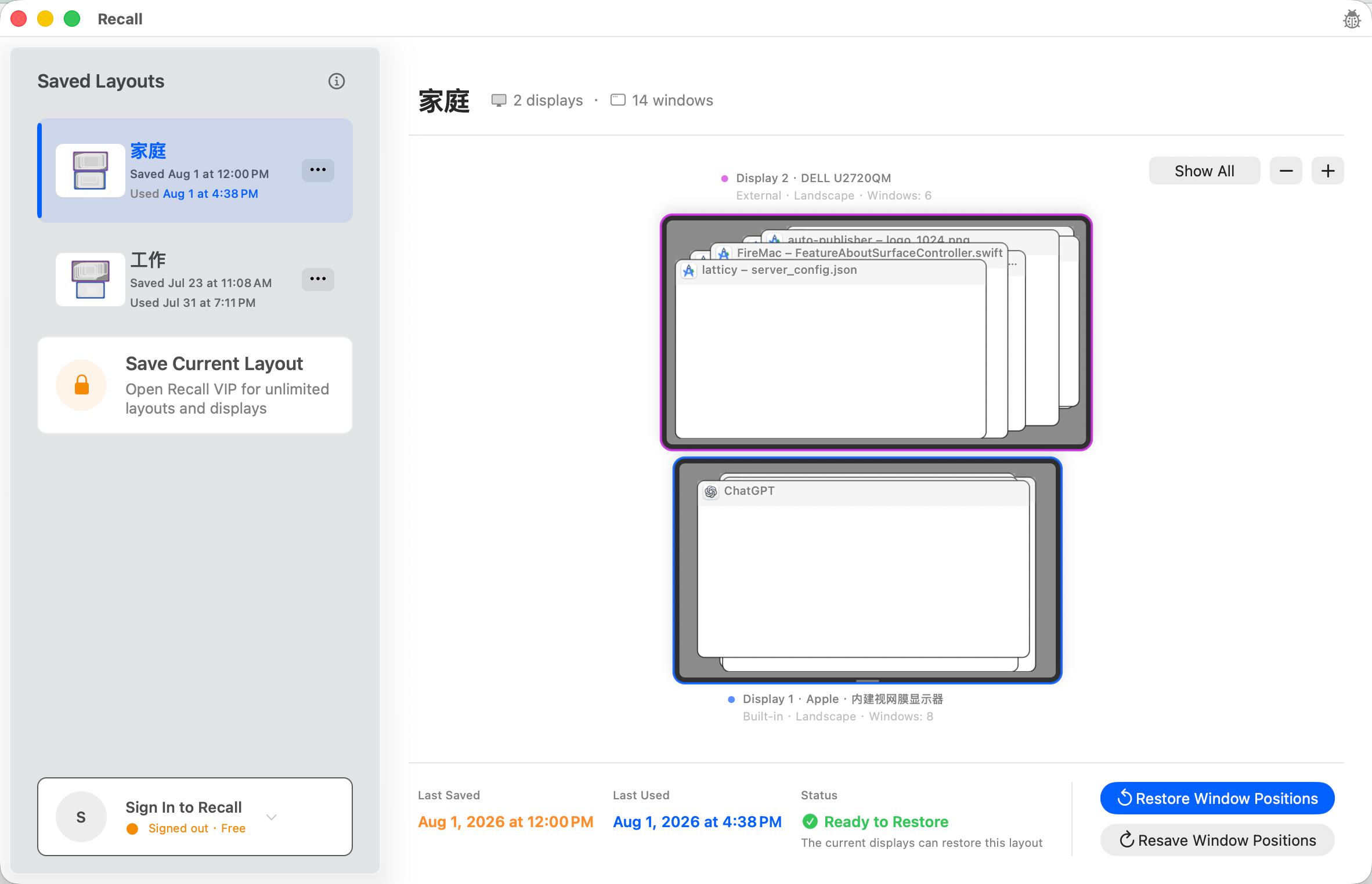
Look at what happens while a display is still waking, the arrangement changed, an app is closed, the window count differs, or a match is uncertain. A dependable tool should expose what cannot be restored instead of treating an old layout as an unconditional command for the current desktop.
Verify workspace storage and network boundaries
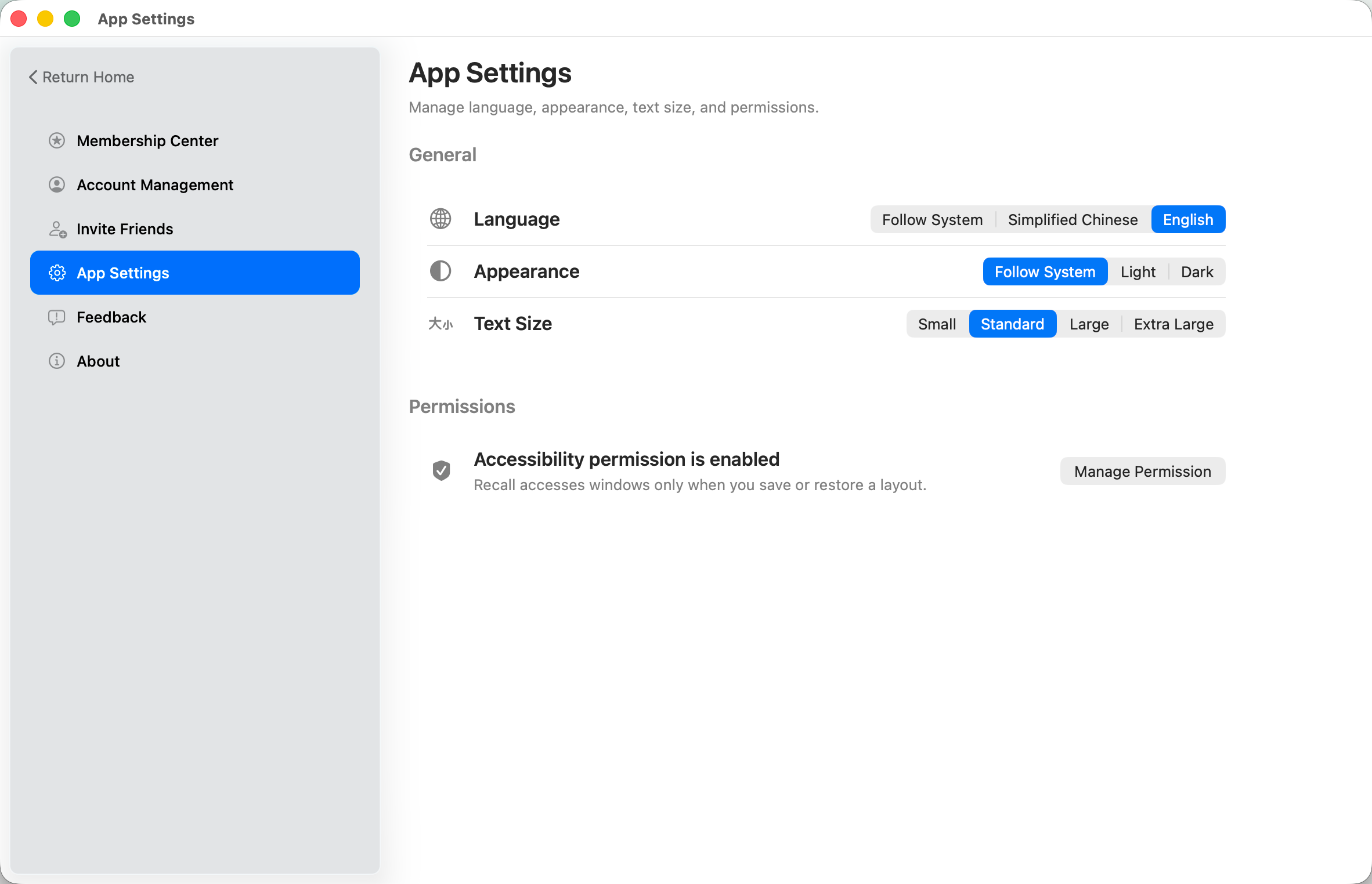
Recall stores display identifiers, window match information, positions, and sizes locally on the Mac. Accounts, subscriptions, updates, feedback, optional first-party product analytics, and separate crash diagnostics use the network, but workspace, window, and display content is excluded from those data.
Test the workflow with the free workspace
Free can fully save, update, and manually restore one workspace. Use your most common monitor setup to validate permission, matching, and restore results before deciding whether you need unlimited workspaces and display-reconnection recognition prompts.