Choose a style and a photo
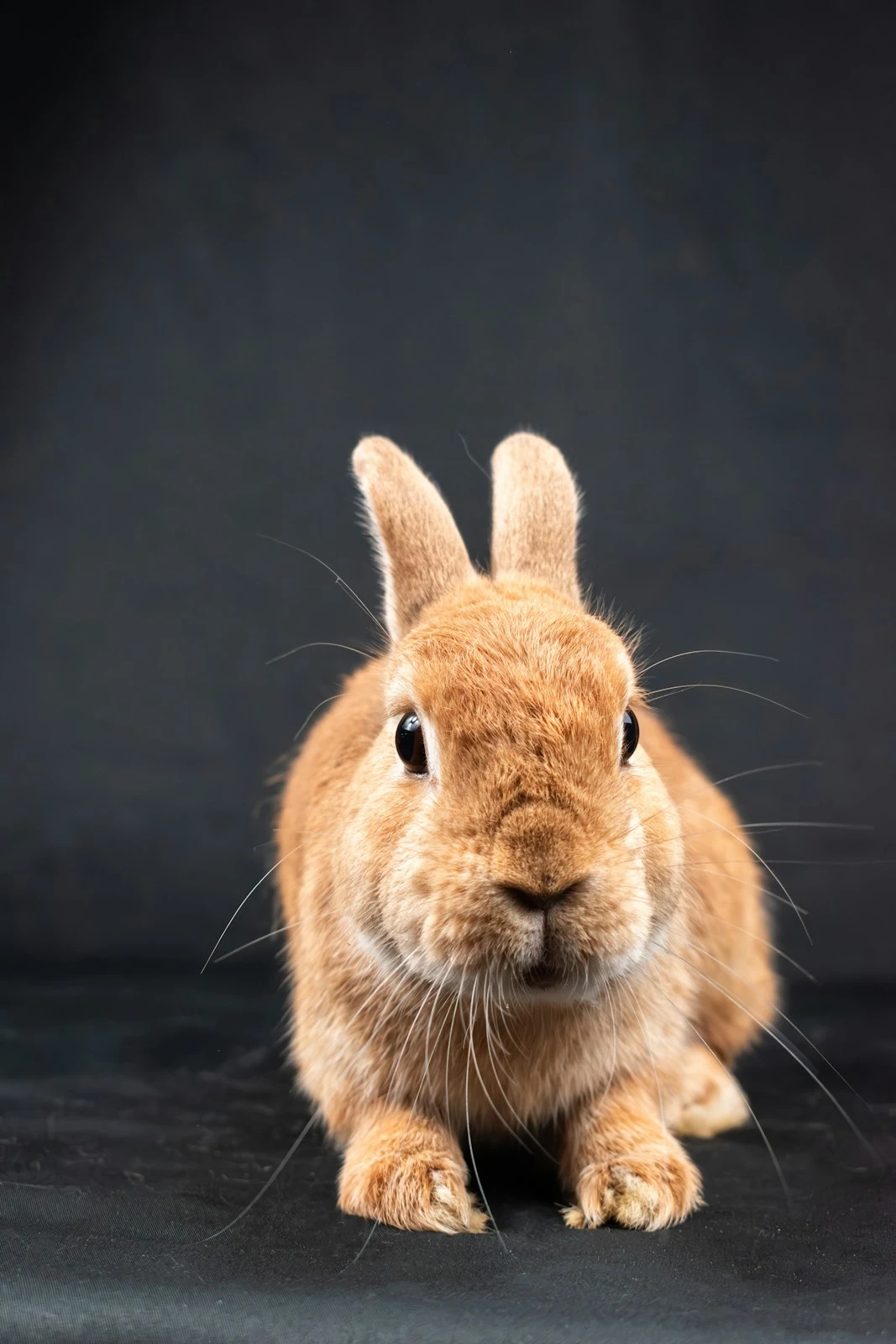
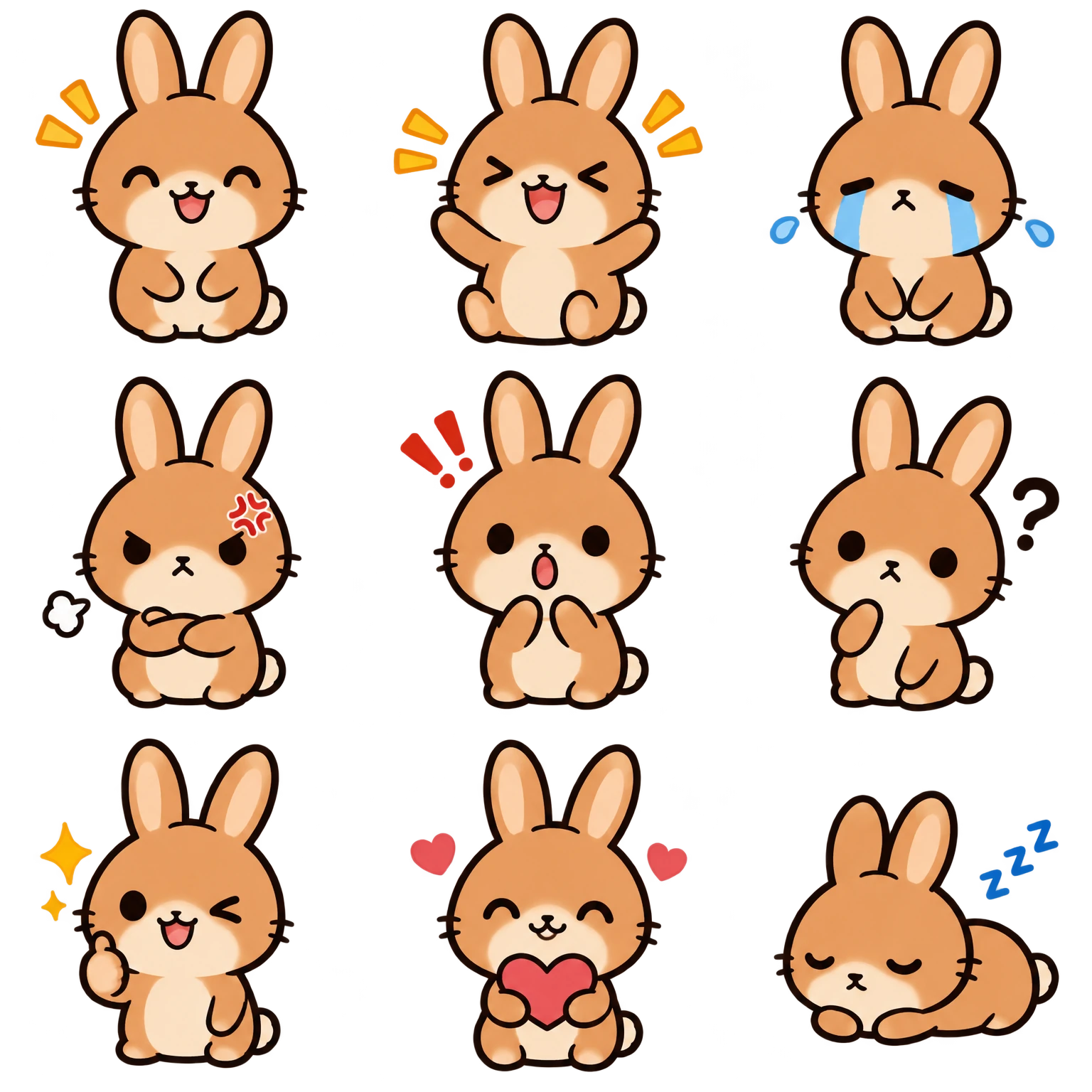
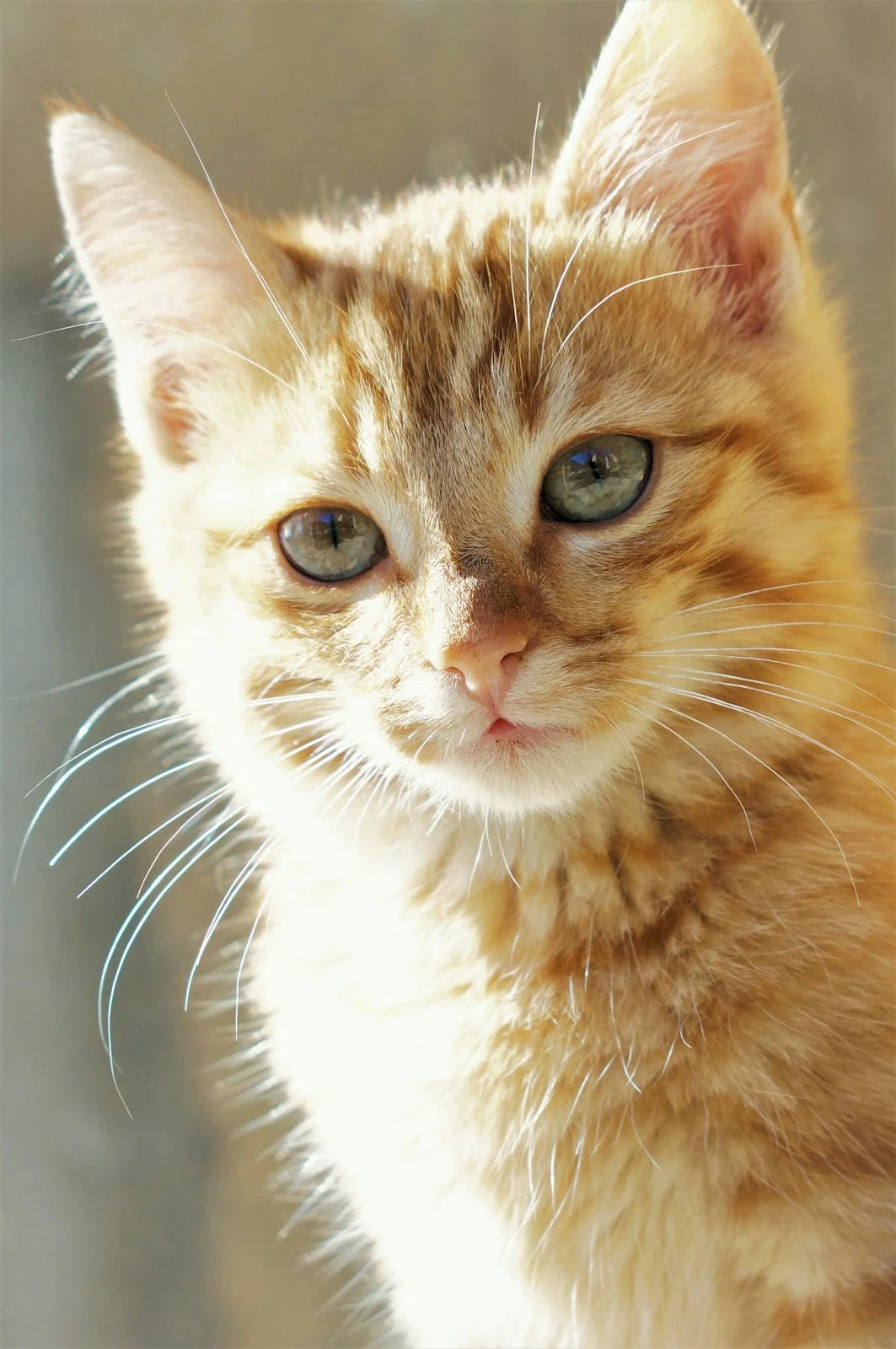
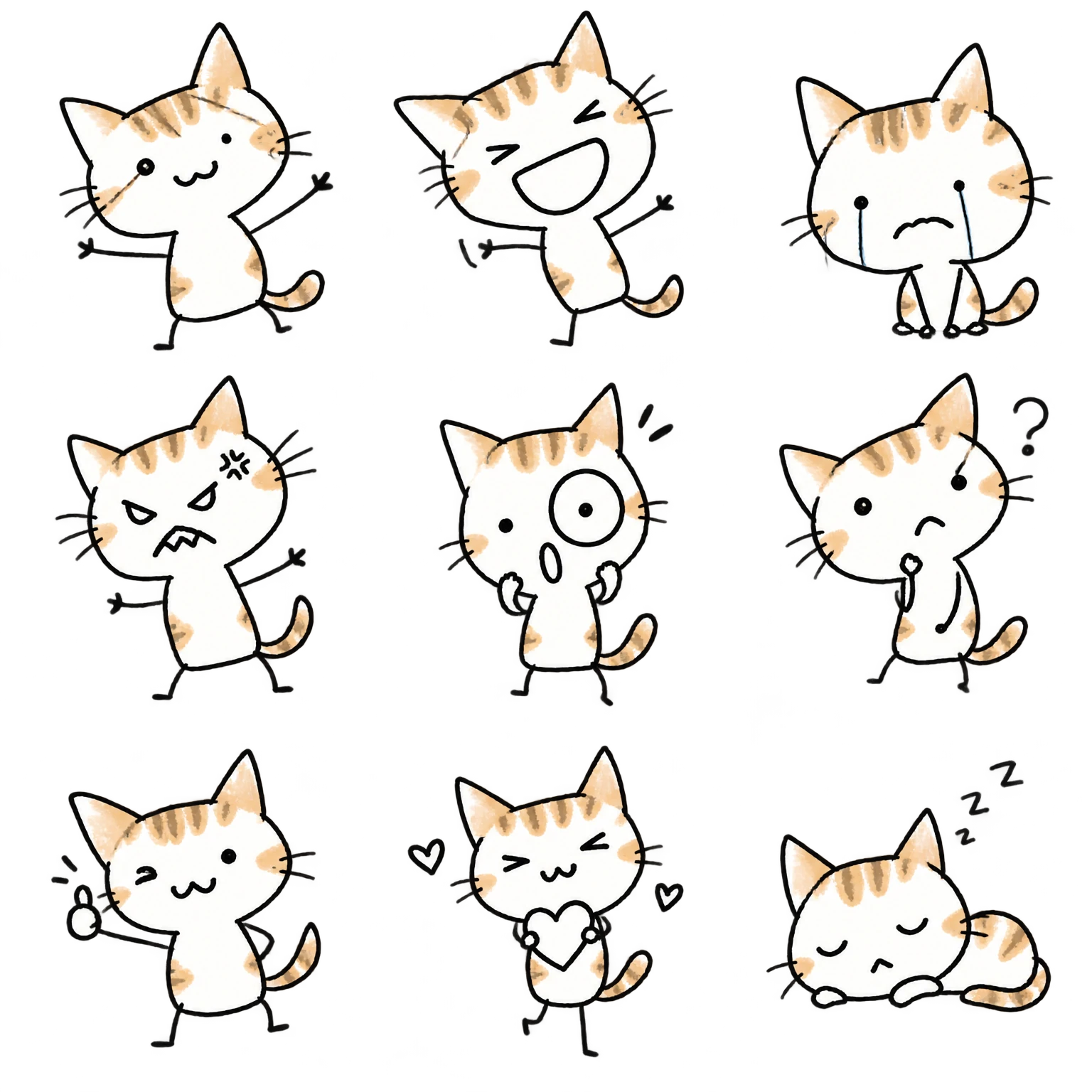
Review the style examples before choosing one clear still photo. Examples illustrate a style; they do not guarantee identical expressions, detail or composition for every input.
GIF Toolbox · HSHS Tech (Hushan Hushan (Shenzhen) Technology Co., Ltd.)
Choose one still photo and a style to generate nine static stickers. Use GIF Toolbox on mobile or Hushan Toolbox in WeChat, check availability in your current version, then review the credit quote.
Review the style examples before choosing one clear still photo. Examples illustrate a style; they do not guarantee identical expressions, detail or composition for every input.
Review input checks, the quote and expected output before generating. This cloud task uploads selected media. Available styles, dimensions and credits are shown in the product.
The generated sheet contains nine static stickers. The client splits it and prepares single-frame GIFs for individual and full-sheet saving. A single-frame GIF has no motion. Retry incomplete saves through the task rather than generating again.
Use GIF Toolbox for further editing and compression, or open Hushan Toolbox to work inside WeChat. Saving an image or sharing a file does not automatically add a WeChat sticker; follow WeChat’s current interface.
These source images and results are examples. Results vary with the source and style; available styles are listed inside the product.
Choose a style and one still photo to generate nine static stickers. Save individual single-frame GIFs and the full sheet.
Make GIFs from videos or images, compress, crop, add text, arrange collages and sequences, or convert Live Photos.
Split one source into several panels. Adjust the crop and layout, review the preview, then save the results.
Choose a style and one still photo to generate nine static stickers. Save individual single-frame GIFs and the full sheet.
Cloud availability, styles, input limits, credit quotes and result expiry are shown in the current app version.
Best for: GIF, video, and motion-photo tasks on your phone
Strength: Make, edit and compress animations, split grids and convert formats, with optional photo animation and nine-sticker generation.
Limit: Some local tools or advanced settings require membership. Cloud tasks follow their credit quote; membership does not mean all cloud generation is free.
Best for: One-off small browser tasks
Strength: No app install
Limit: Upload, file-size, pricing, and watermark rules vary by service
Best for: Large projects and professional timelines
Strength: Advanced controls
Limit: More setup for quick mobile GIF jobs
No. The nine images are static, with single-frame GIF as the save format. Use photo animation to generate motion from a still photo.
First reopen the original task and inspect the result and save status. Local splitting and retrying saves do not invoke a new model-generation task. Expired or unavailable source results follow the task instructions.
No-watermark GIF maker for Android, iOS, and HarmonyOS: video and photos to GIF, compression, editing, and GIF to MP4.