M4S Converter
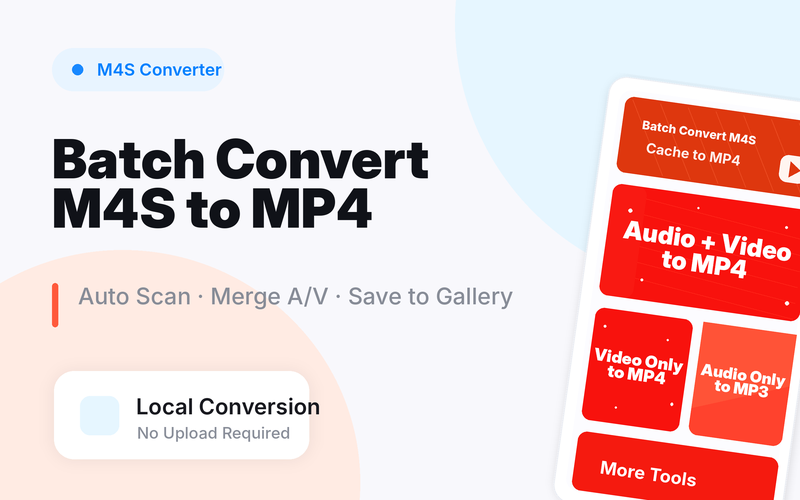
RetiredPair audio.m4s and video.m4s locally and batch export MP4 videos with sound, without uploading files.
Core Features
M4S Format Conversion
Turn .m4s, video.m4s, or audio.m4s fragments into more portable MP4 or audio results.
Audio & Video Merge
Merge separate audio.m4s and video.m4s files into one synchronized MP4, with manual select and batch pairing.
Batch Processing
Authorize a scan scope, discover local M4S files, batch pair multiple audio-video sets, and manage the pending queue.
Cross-Platform
Available on Android, iOS, and HarmonyOS — one experience across all your devices.
Clear Output & Naming
Keep conversion records, customize output naming, and save MP4 results to the system gallery.
Local Processing
Process authorized local video and audio files on device without uploading personal files.
Pair M4S Fragments and Export MP4 Locally
M4S Converter is for local file owners who already have .m4s fragments and need a playable MP4 export.
Grant access to the folder
Choose the folder or files that contain your local audio.m4s and video.m4s fragments.
Check the audio and video pairing
Let the app match related fragments, then review whether the expected audio and video pieces are available.
Export and save MP4
Convert one file or batch export multiple sets, then save the MP4 result to Files or the system gallery.
Best Fit and Limits
Best for files you already have
The app processes local M4S files selected or authorized by you; it does not fetch online media.
Audio depends on matching fragments
If the related audio.m4s file is missing, a video-only fragment may still export without sound.
Neutral file utility
Only convert files you own or have permission to process, and use the result within the rights you hold.
Local M4S to MP4, audio.m4s and video.m4s pairing
M4S Converter is a local file tool for user-authorized M4S files. It scans .m4s files on device, identifies audio and video tracks, pairs matching fragments, and exports MP4 without uploading files.
Local M4S processing
Scan, identify, and export .m4s files on device. The app does not provide streaming or online content retrieval.
Pair audio.m4s and video.m4s
When a related local media set has separate audio and video tracks, the app can pair them locally before export.
Batch export MP4
Process multiple local M4S sets and keep output locations easier to understand.
On-device processing
Files stay on device. Only process local files you own or have permission to use.
M4S Converter at a glance
When M4S Converter is the right fit
Use M4S Converter when you have local .m4s files and want to export MP4 on device.
If a related local file set includes audio.m4s and video.m4s, confirm you have permission before pairing and exporting.
Use FFmpeg when you need advanced codec parameters, scripts, or desktop batch workflows.
Only process local files you own or have permission to use.
M4S Converter vs online converters vs FFmpeg
M4S Converter
Best for: Local M4S file processing on Android, audio.m4s/video.m4s pairing, M4S to MP4
Strength: Local scanning, batch pairing, MP4 export, gallery save, no file upload
Limit: Focused on user-authorized local M4S files; not a content online content retrieval tool or streaming tool
Online converters
Best for: Occasional small files
Strength: No app install
Limit: Requires upload and is weaker for privacy or batch pairing
FFmpeg
Best for: Technical users and desktop automation
Strength: Powerful and scriptable
Limit: Command-line setup is harder for ordinary phone workflows
M4S Converter FAQ
M4S is often a segmented media file, so a single file may not be a complete video. M4S Converter can process local .m4s files on device and export paired audio and video tracks as MP4.
audio.m4s usually refers to an audio track fragment, while video.m4s usually refers to a video track fragment. Only related files in an authorized local scope should be paired.
No. The app is designed for on-device local file processing and does not upload user audio or video files.
No. It only processes local files that the user selects or authorizes. It does not provide streaming or online content retrieval.
Ready to Get Started?
Pair audio.m4s and video.m4s locally and batch export MP4 videos with sound, without uploading files.